
- Forums
- Product Forums
- General Purpose MicrocontrollersGeneral Purpose Microcontrollers
- i.MX Forumsi.MX Forums
- QorIQ Processing PlatformsQorIQ Processing Platforms
- Identification and SecurityIdentification and Security
- Power ManagementPower Management
- Wireless ConnectivityWireless Connectivity
- RFID / NFCRFID / NFC
- Advanced AnalogAdvanced Analog
- Neural Processing UnitsNeural Processing Units
- MCX Microcontrollers
- S32G
- S32K
- S32V
- MPC5xxx
- Other NXP Products
- S12 / MagniV Microcontrollers
- Powertrain and Electrification Analog Drivers
- Sensors
- Vybrid Processors
- Digital Signal Controllers
- 8-bit Microcontrollers
- ColdFire/68K Microcontrollers and Processors
- PowerQUICC Processors
- OSBDM and TBDML
- S32M
- S32Z/E
-
- Solution Forums
- Software Forums
- MCUXpresso Software and ToolsMCUXpresso Software and Tools
- CodeWarriorCodeWarrior
- MQX Software SolutionsMQX Software Solutions
- Model-Based Design Toolbox (MBDT)Model-Based Design Toolbox (MBDT)
- FreeMASTER
- eIQ Machine Learning Software
- Embedded Software and Tools Clinic
- S32 SDK
- S32 Design Studio
- GUI Guider
- Zephyr Project
- Voice Technology
- Application Software Packs
- Secure Provisioning SDK (SPSDK)
- Processor Expert Software
- Generative AI & LLMs
-
- Topics
- Mobile Robotics - Drones and RoversMobile Robotics - Drones and Rovers
- NXP Training ContentNXP Training Content
- University ProgramsUniversity Programs
- Rapid IoT
- NXP Designs
- SafeAssure-Community
- OSS Security & Maintenance
- Using Our Community
-
- Cloud Lab Forums
-
- Knowledge Bases
- ARM Microcontrollers
- i.MX Processors
- Identification and Security
- Model-Based Design Toolbox (MBDT)
- QorIQ Processing Platforms
- S32 Automotive Processing Platform
- Wireless Connectivity
- CodeWarrior
- MCUXpresso Suite of Software and Tools
- MQX Software Solutions
- RFID / NFC
- Advanced Analog
- Neural Processing Units
-
- NXP Tech Blogs
- Home
- :
- CodeWarrior
- :
- CodeWarrior for QorIQ
- :
- Unable to link T2080 U-Boot executable and source in code warrior 10.4.
Unable to link T2080 U-Boot executable and source in code warrior 10.4.
Unable to link T2080 U-Boot executable and source in code warrior 10.4.

I am not able to link with U-Boot executable.
Kindly, help us to connect the u-boot executable in code warrior. Below, I mention my step to connect the code warrior.
Step 1: Select File->Import and choose the code warrior executable importer.
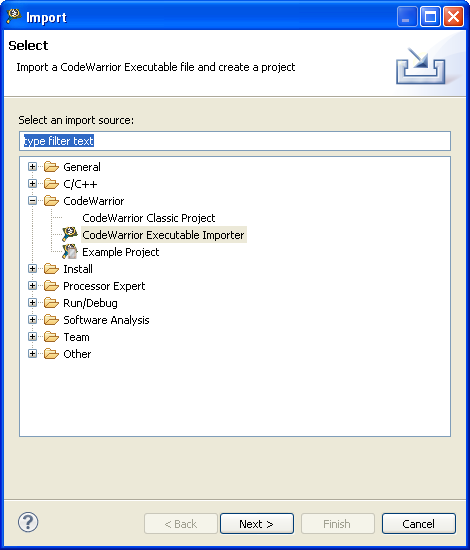
Step 2: Give the project name
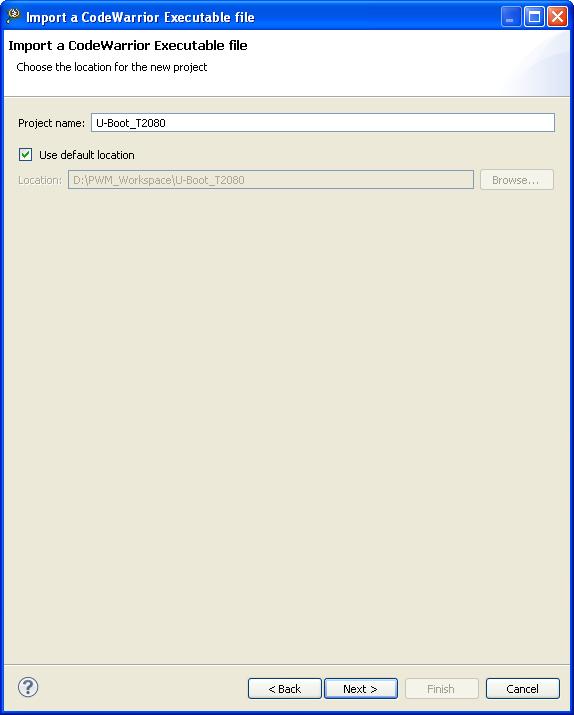
Step 3: Select uboot executable.
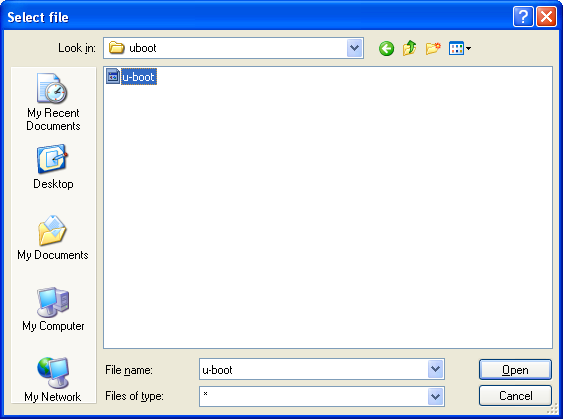
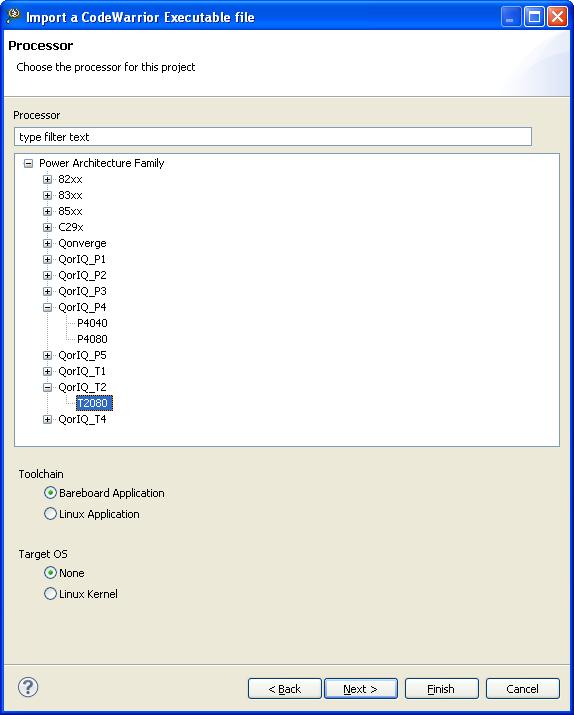
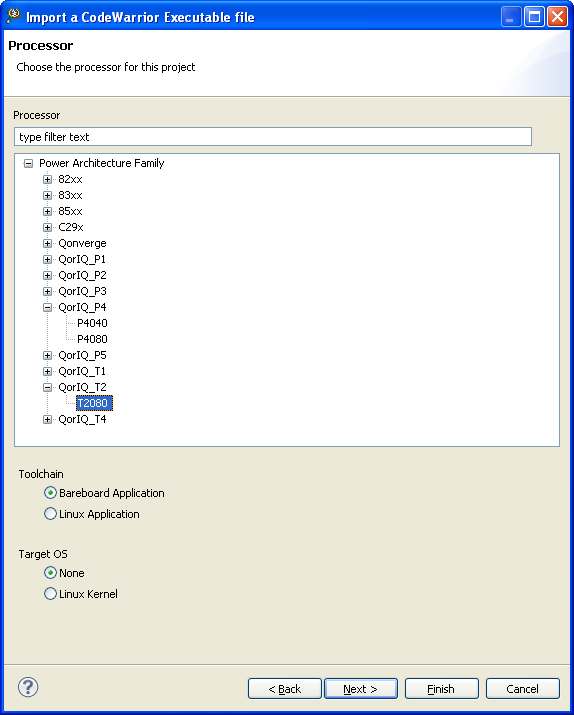
Step 4: Select Processor Type.
Step 5: In Target setting, select connection type as codewarrior Tap (over USB) and enable attach for launch.
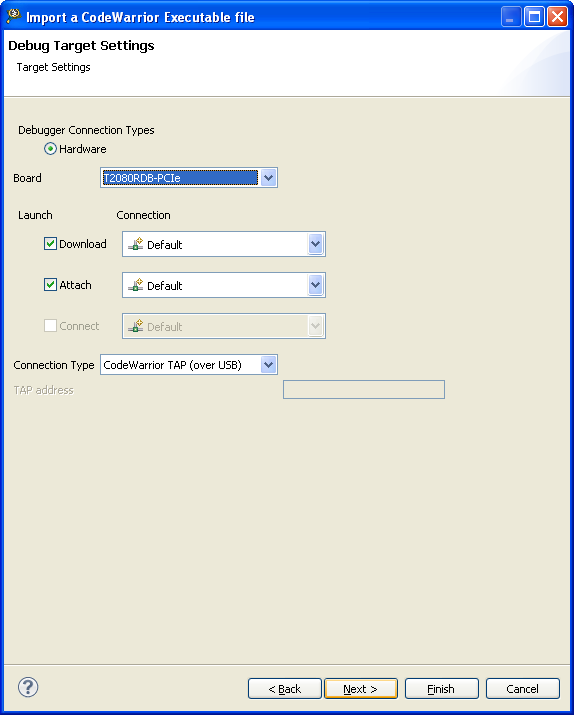
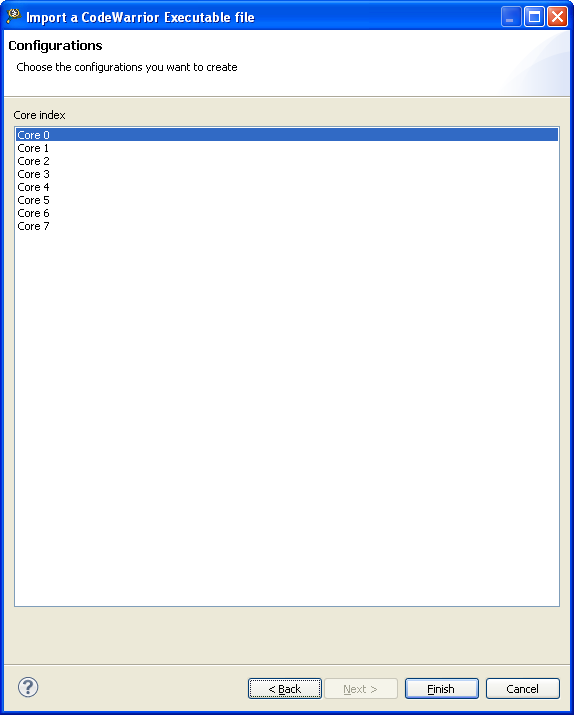
Step 6: select Core 0 for configuration and finish.
Step 7: In Debug Configuration, Remove all Initialization in attach configuration for debug.
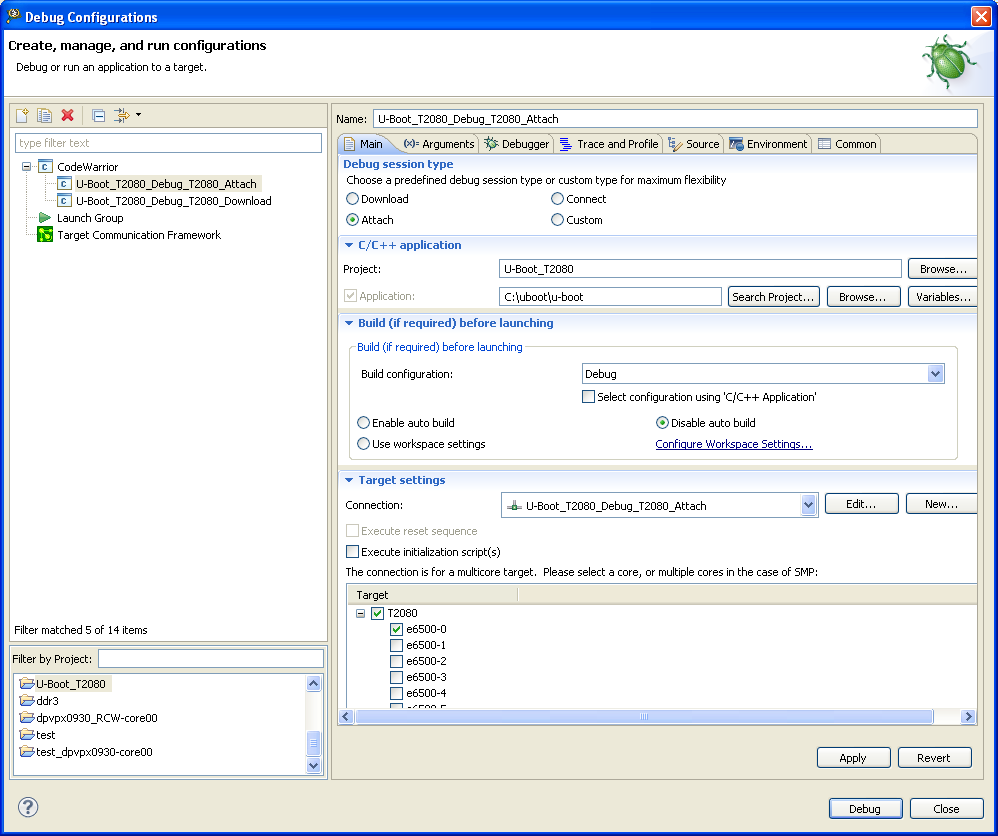
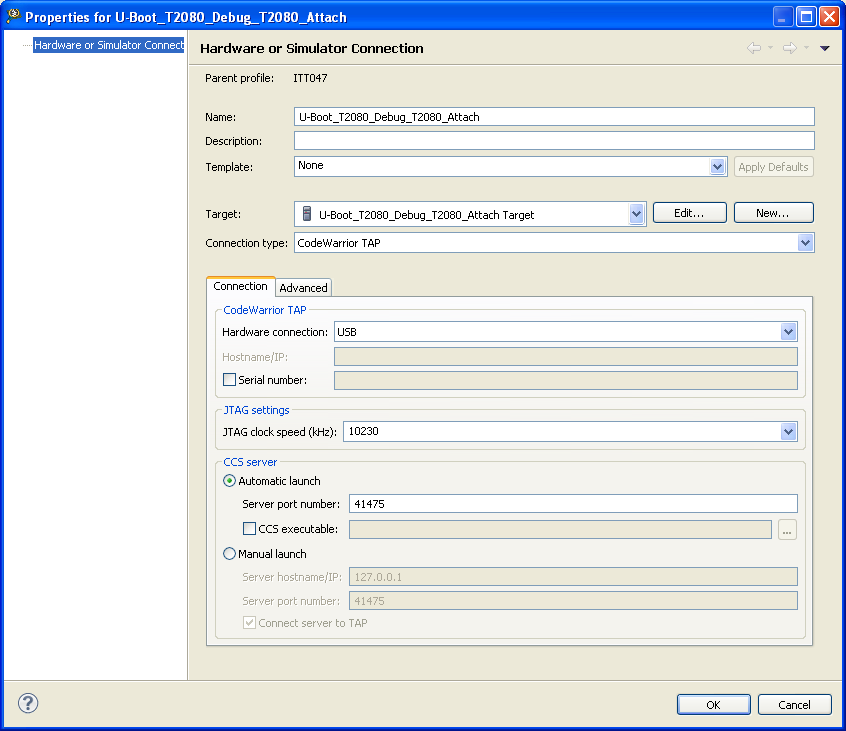
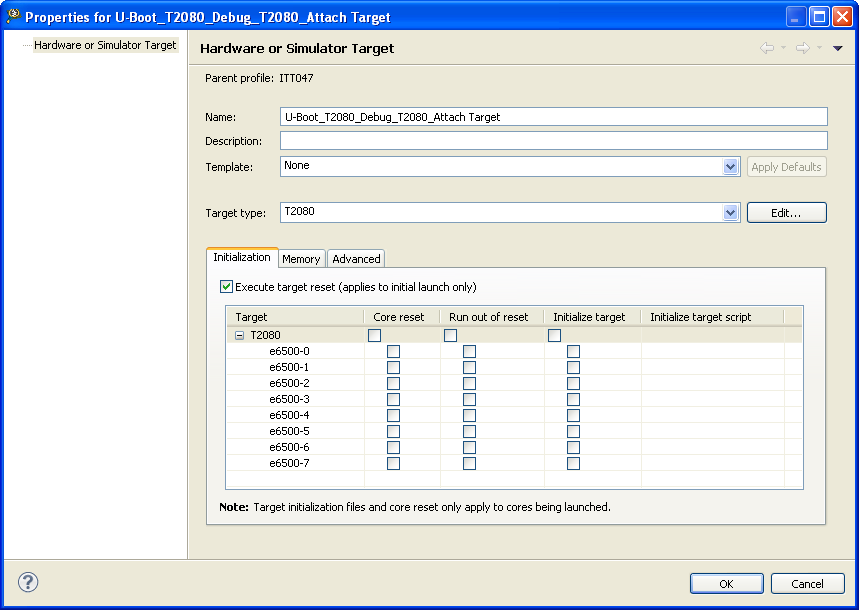
Step 9: After attached, debug viewer two thread are created, one is shown reset vector address which is not ask for source for lookup and another thread is shown 0x0 address but it is ask for fdt.c file for source lookup.
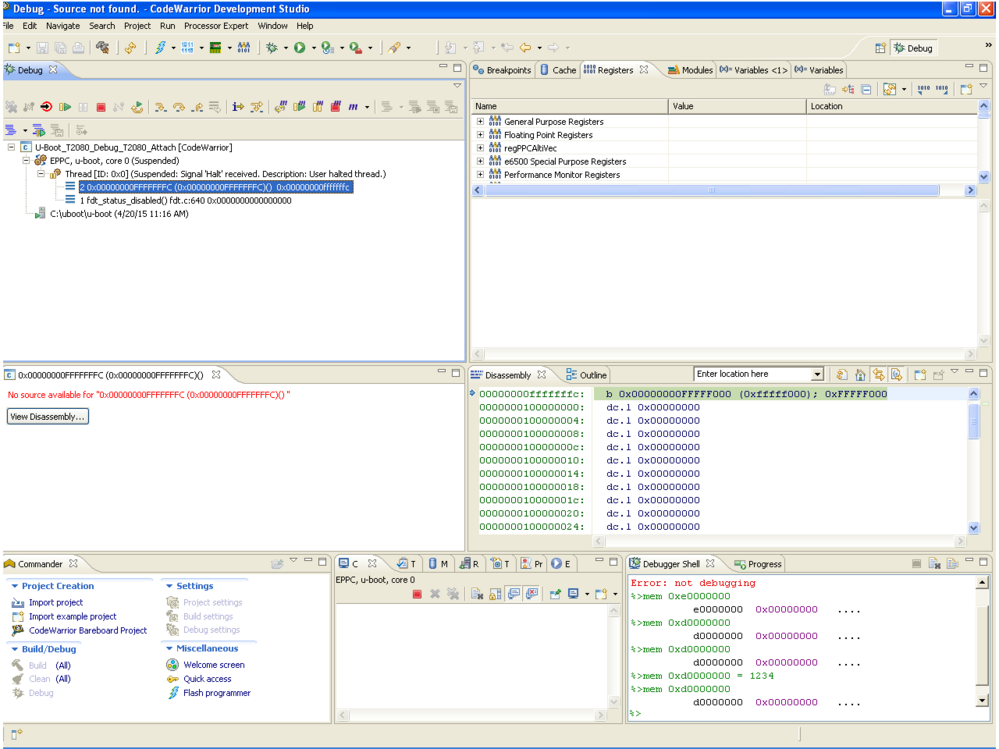
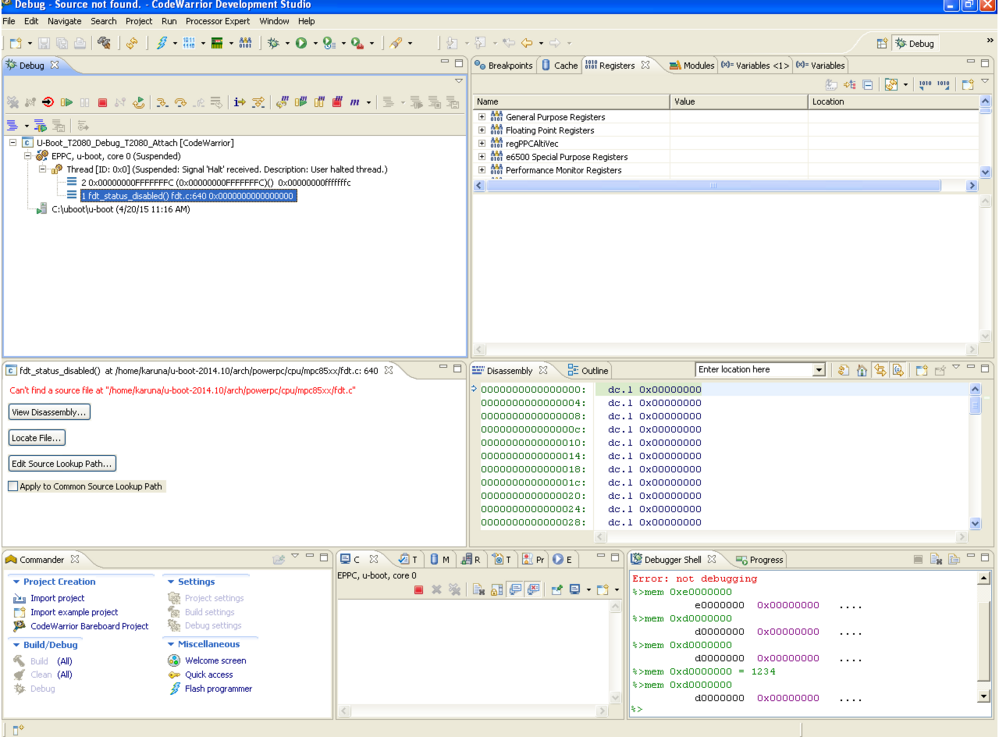
Kindly help me, where i did mistake.
same procedure i followed for P1022 processor. it was working. but here is not taken.

 lunminliang
Hello Karunakaran Radhakrishnan,
As the AN4876 suggests in Section 4.2 Configure initialization file of project for debugging, you need to choose U-Boot initialization file. Copy below:
1. Choose Run > Debug configurations, to open the Debug configurations dialog.
2. Select Project name from the left pane and from the right pane, under Main tab – Target settings, select Edit.
3. From the Hardware or Simulator Connection dialog, select Edit to edit the target.
4. From the Initialization tab, browse to the location of U_Boot initialization file and add its location in the Initialize target.
5. Navigate to Memory tab and deselect Memory configuration.
6. Select OK to exit the Debug configurations dialog.
Regards
Lunmin
Hi Lunmin , Hi Adrian,
Thanks for your reply.
Default Reset vector Address is 0xFFFFFFFC. My Uboot reset vector address is 0xEFFFFFFC.
initialize nor flash in the script and change the PC reg to effffffc.
Now, I can able to debug using the u-boot source in code warrior.
Thanks,
Karunakaran R

