
- Forums
- Product Forums
- General Purpose MicrocontrollersGeneral Purpose Microcontrollers
- i.MX Forumsi.MX Forums
- QorIQ Processing PlatformsQorIQ Processing Platforms
- Identification and SecurityIdentification and Security
- Power ManagementPower Management
- Wireless ConnectivityWireless Connectivity
- RFID / NFCRFID / NFC
- Advanced AnalogAdvanced Analog
- Neural Processing UnitsNeural Processing Units
- MCX Microcontrollers
- S32G
- S32K
- S32V
- MPC5xxx
- Other NXP Products
- S12 / MagniV Microcontrollers
- Powertrain and Electrification Analog Drivers
- Sensors
- Vybrid Processors
- Digital Signal Controllers
- 8-bit Microcontrollers
- ColdFire/68K Microcontrollers and Processors
- PowerQUICC Processors
- OSBDM and TBDML
- S32M
- S32Z/E
-
- Solution Forums
- Software Forums
- MCUXpresso Software and ToolsMCUXpresso Software and Tools
- CodeWarriorCodeWarrior
- MQX Software SolutionsMQX Software Solutions
- Model-Based Design Toolbox (MBDT)Model-Based Design Toolbox (MBDT)
- FreeMASTER
- eIQ Machine Learning Software
- Embedded Software and Tools Clinic
- S32 SDK
- S32 Design Studio
- GUI Guider
- Zephyr Project
- Voice Technology
- Application Software Packs
- Secure Provisioning SDK (SPSDK)
- Processor Expert Software
- Generative AI & LLMs
-
- Topics
- Mobile Robotics - Drones and RoversMobile Robotics - Drones and Rovers
- NXP Training ContentNXP Training Content
- University ProgramsUniversity Programs
- Rapid IoT
- NXP Designs
- SafeAssure-Community
- OSS Security & Maintenance
- Using Our Community
-
- Cloud Lab Forums
-
- Knowledge Bases
- ARM Microcontrollers
- i.MX Processors
- Identification and Security
- Model-Based Design Toolbox (MBDT)
- QorIQ Processing Platforms
- S32 Automotive Processing Platform
- Wireless Connectivity
- CodeWarrior
- MCUXpresso Suite of Software and Tools
- MQX Software Solutions
- RFID / NFC
- Advanced Analog
- Neural Processing Units
-
- NXP Tech Blogs
- Home
- :
- CodeWarrior
- :
- CodeWarrior開発ツール
- :
- Failed to resume target process
Failed to resume target process
- RSS フィードを購読する
- トピックを新着としてマーク
- トピックを既読としてマーク
- このトピックを現在のユーザーにフロートします
- ブックマーク
- 購読
- ミュート
- 印刷用ページ

- 新着としてマーク
- ブックマーク
- 購読
- ミュート
- RSS フィードを購読する
- ハイライト
- 印刷
- 不適切なコンテンツを報告
Hi, i'm wang He, I am attempting to debug MPC5606B in CodeWarrior 10.5 and I am getting this error "Failed to resume target process. Downloading binary to target..."
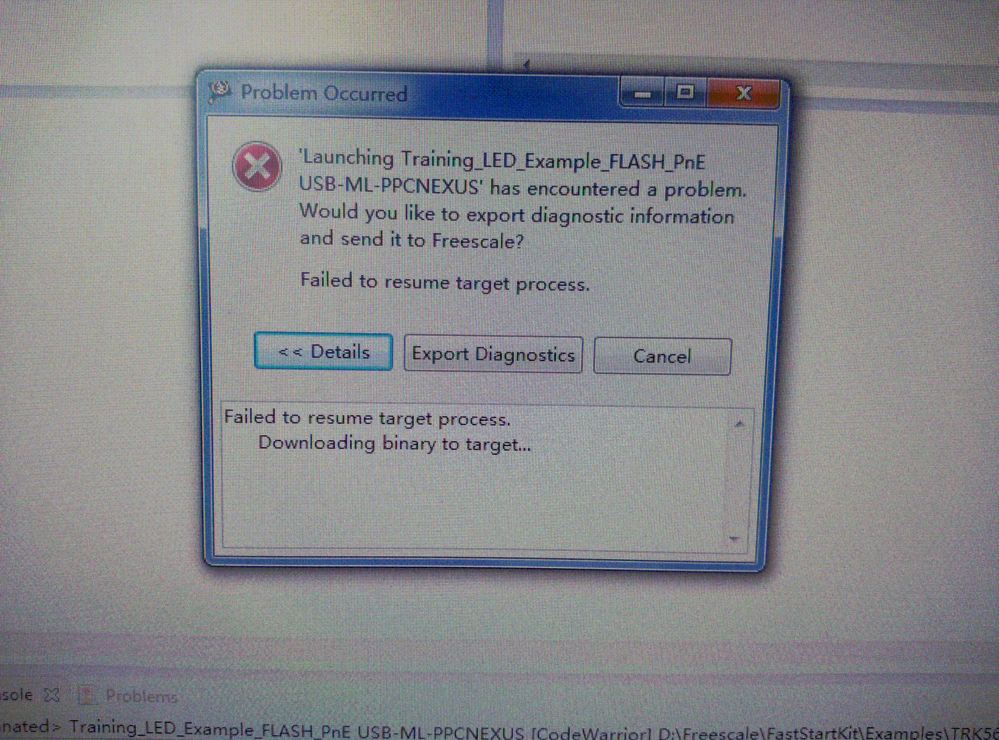
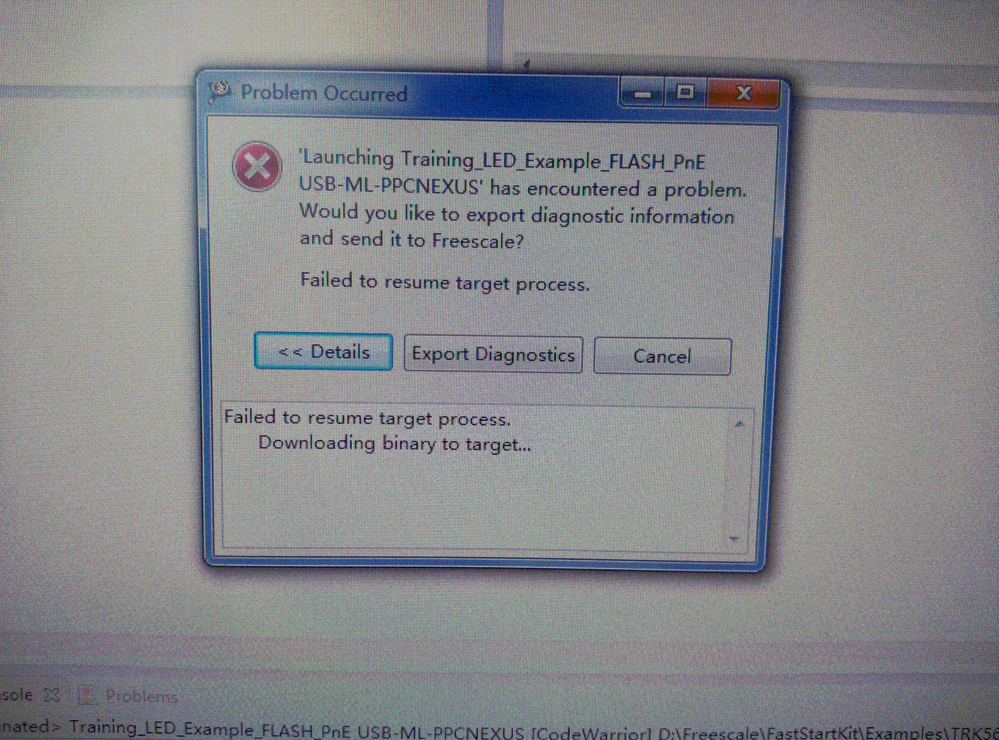
Then I checked my settings, like this:
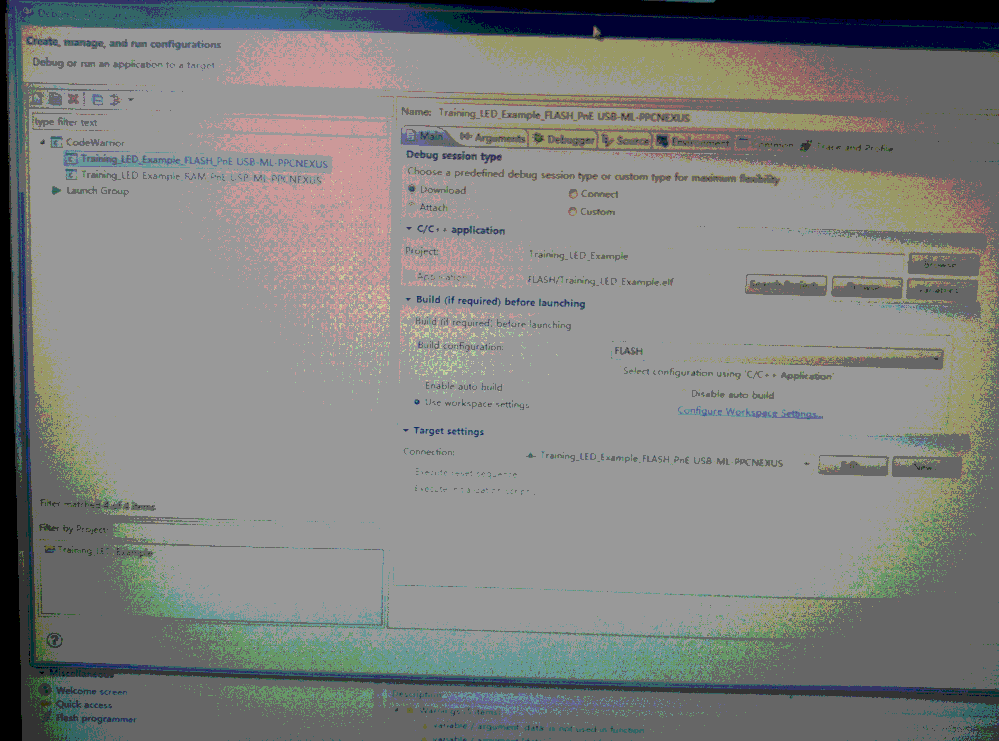
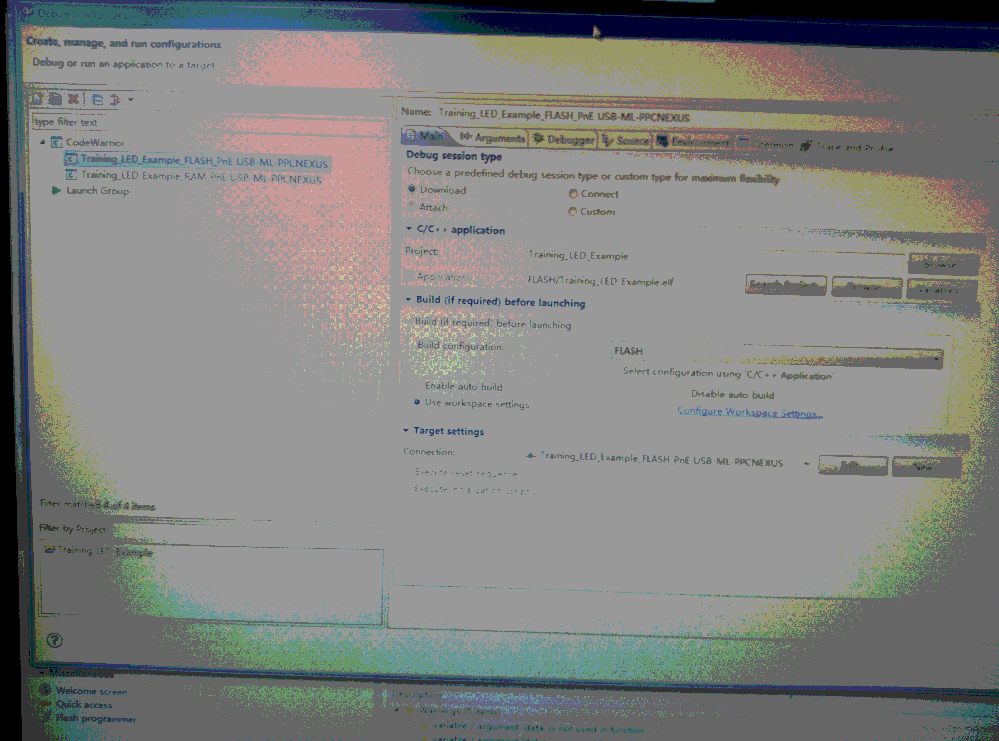
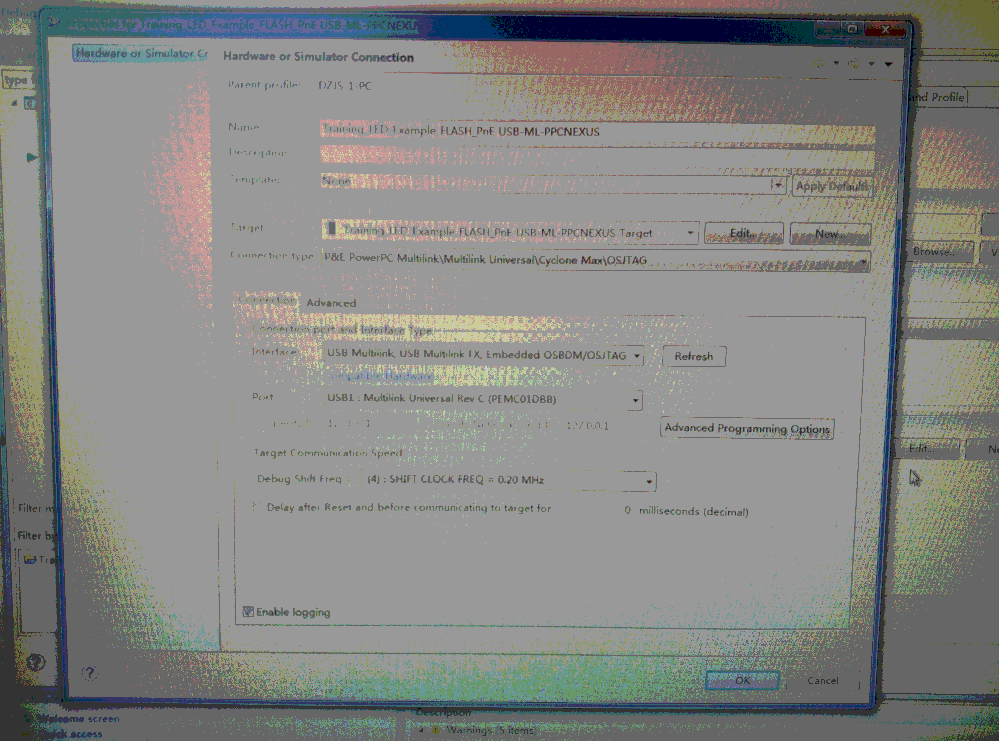
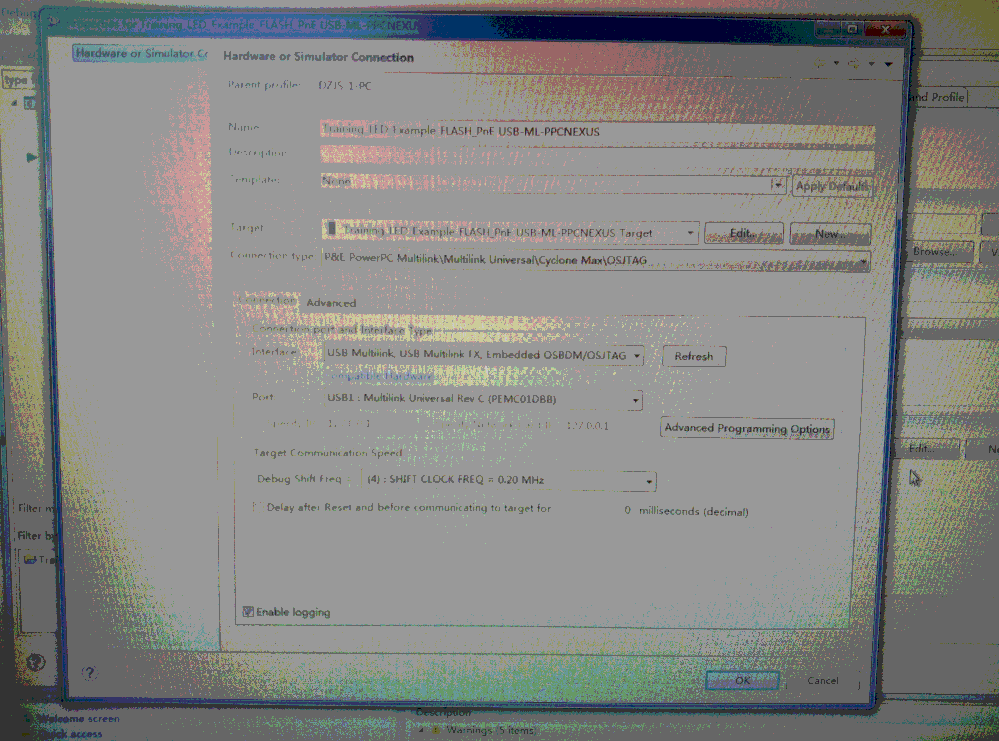
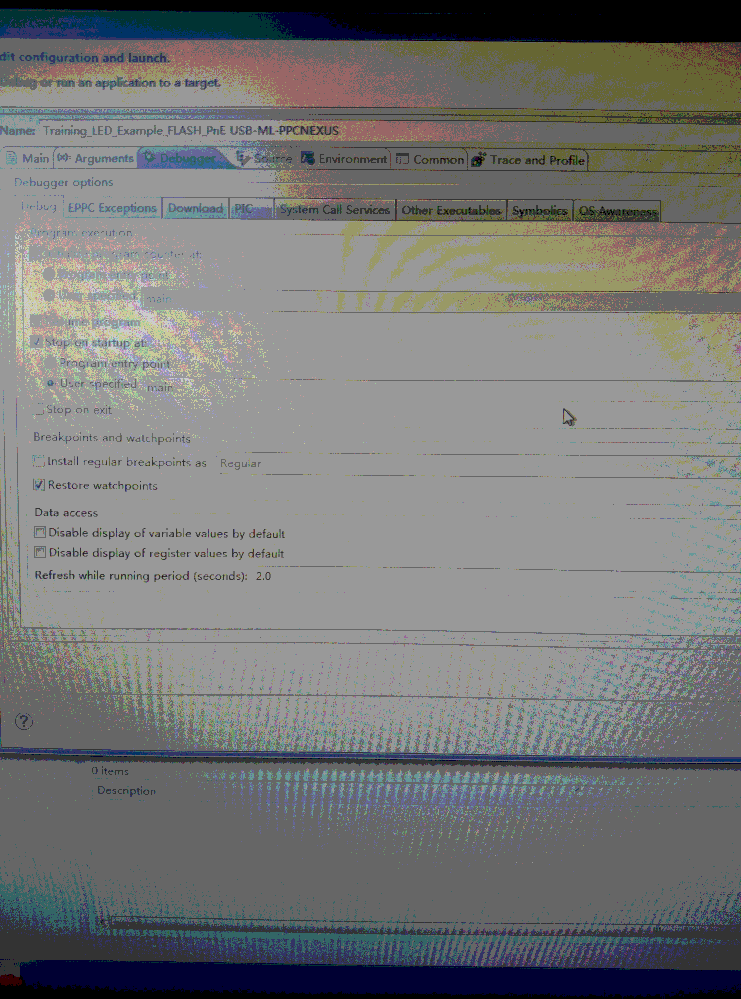
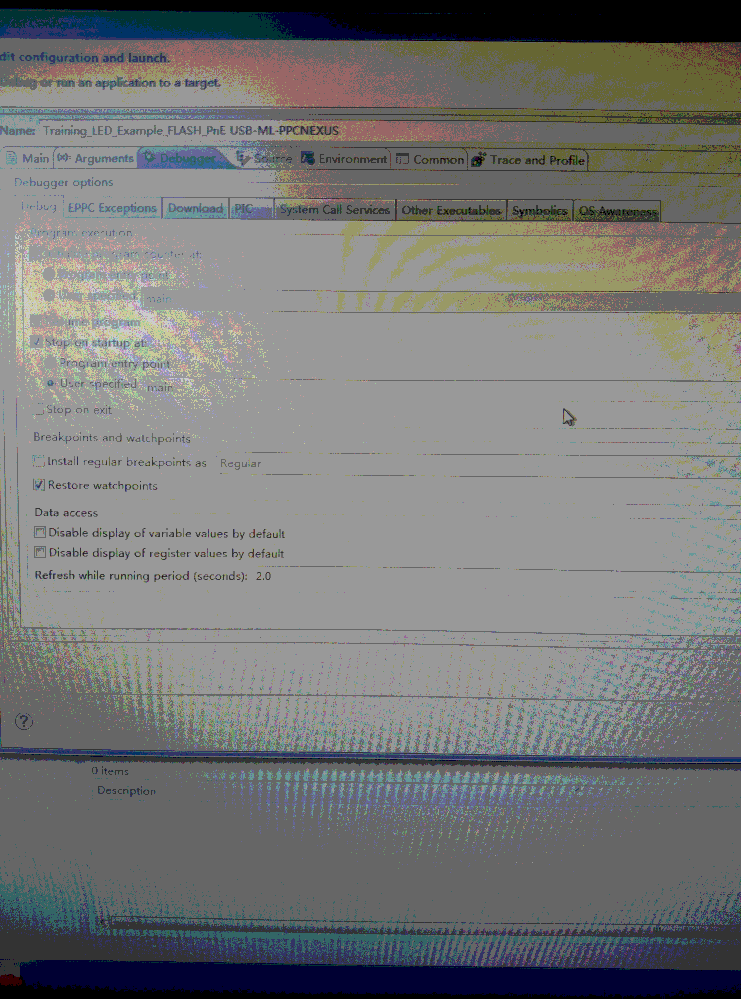
And I am sure I have select the right chip.
The board is TRK-MPC5606B: MPC5606B StarterTRAK. And the Emulators/Probes is Universal Multilink Development Interface
The borad settings just like this:

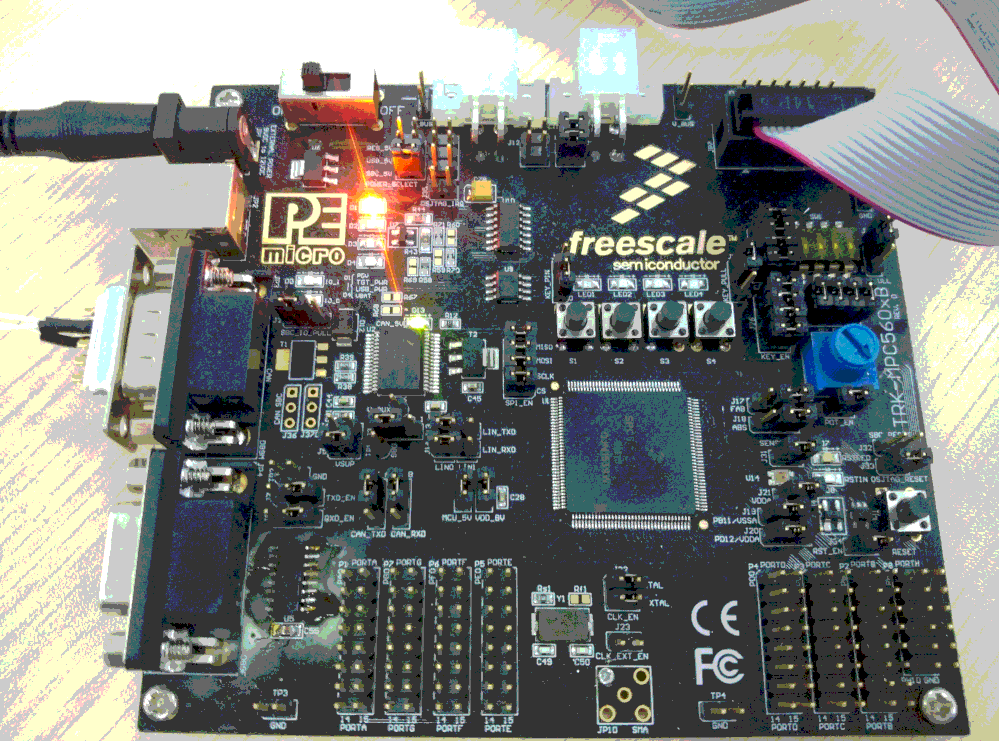
I am looking forward to your guidance eagerly. Thanks!
解決済! 解決策の投稿を見る。

 martin_kovar
- 新着としてマーク
- ブックマーク
- 購読
- ミュート
- RSS フィードを購読する
- ハイライト
- 印刷
- 不適切なコンテンツを報告
Hi,
I tested the use case you described, and I found there is the same problem on my side (I think there is some problem with internal scripts, but I did not found it). So I invented workaround, which should work.
Do not use debug icon to download your program to micro. Instead of it, use Flash programmer->Flash File To Target.
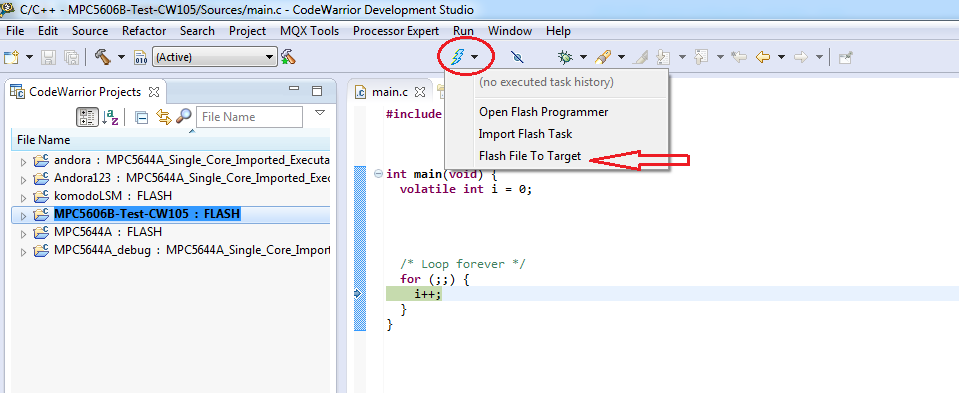
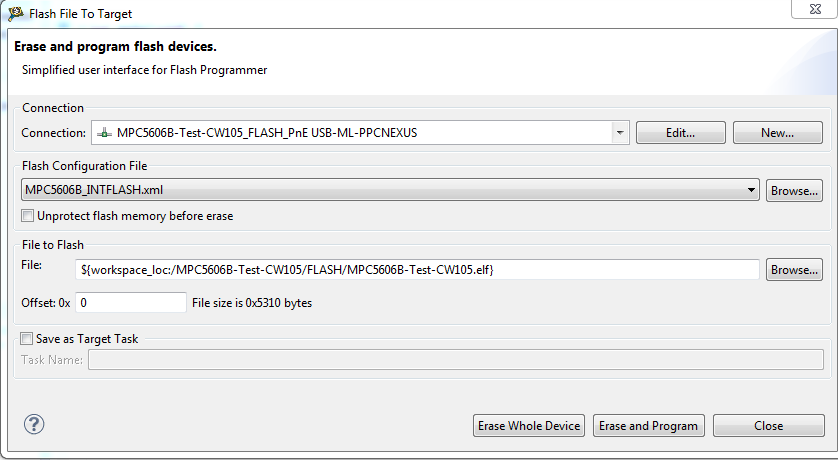
Choose your Debugger and file you want to flash and click Erase and Program.
After successful flashing, click on debug configuration.
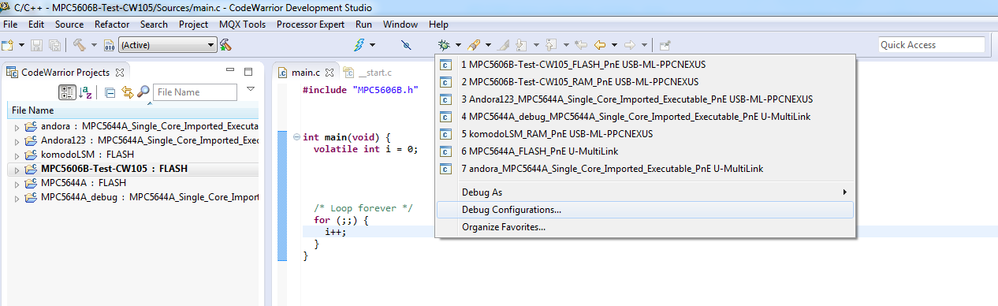
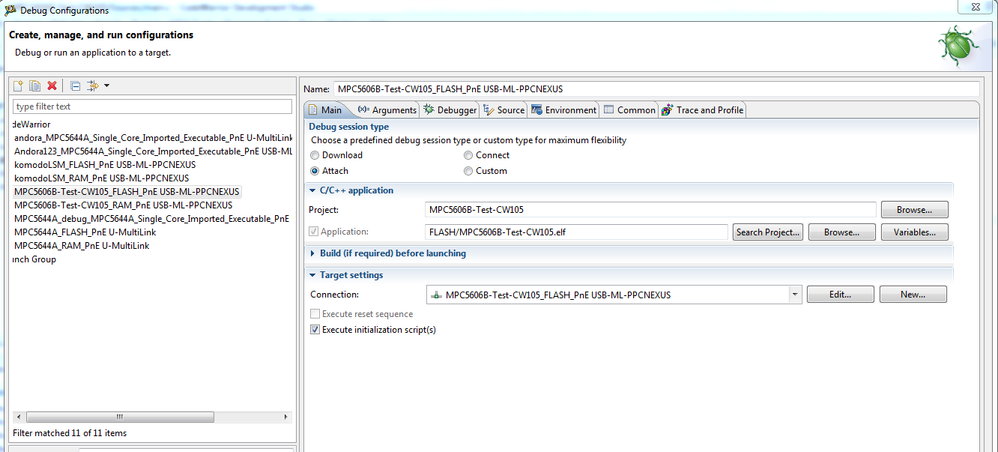
Choose correct configuration (FLASH) and as Debug type session choose Attach. Also check Execute initialization script button and click Debug.
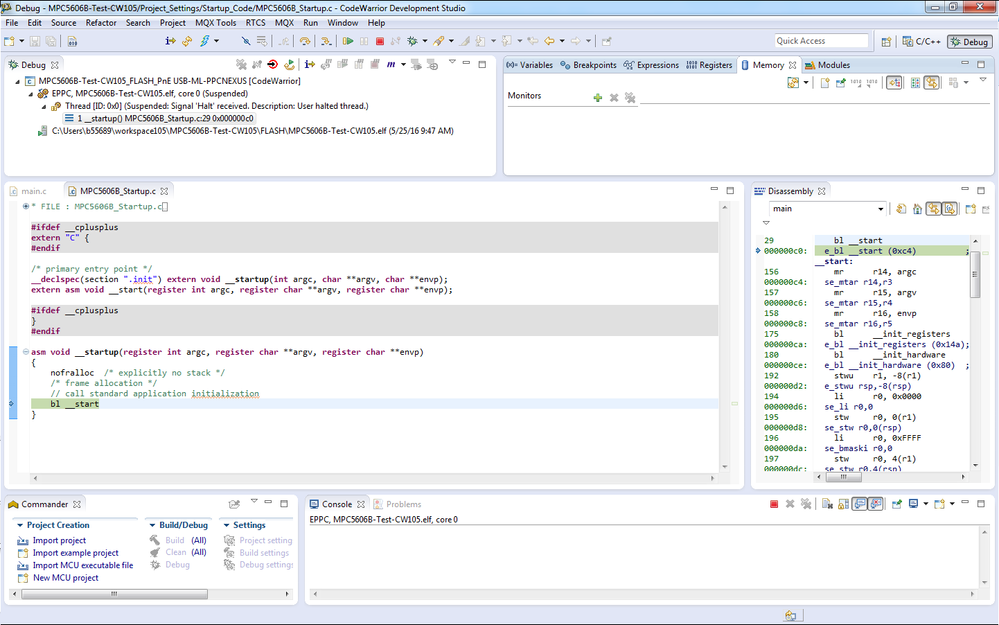
Now you should be able to debug the code you flashed.
Please try this solution, and write me back if it works.
Regards,
Martin
martin_kovar
- 新着としてマーク
- ブックマーク
- 購読
- ミュート
- RSS フィードを購読する
- ハイライト
- 印刷
- 不適切なコンテンツを報告
Hi,
I tested the use case you described, and I found there is the same problem on my side (I think there is some problem with internal scripts, but I did not found it). So I invented workaround, which should work.
Do not use debug icon to download your program to micro. Instead of it, use Flash programmer->Flash File To Target.
Choose your Debugger and file you want to flash and click Erase and Program.
After successful flashing, click on debug configuration.
Choose correct configuration (FLASH) and as Debug type session choose Attach. Also check Execute initialization script button and click Debug.
Now you should be able to debug the code you flashed.
Please try this solution, and write me back if it works.
Regards,
Martin
- 新着としてマーク
- ブックマーク
- 購読
- ミュート
- RSS フィードを購読する
- ハイライト
- 印刷
- 不適切なコンテンツを報告
The problem has been resolved in accordance with your method. Thank you very much!
