
- Forums
- Product Forums
- General Purpose MicrocontrollersGeneral Purpose Microcontrollers
- i.MX Forumsi.MX Forums
- QorIQ Processing PlatformsQorIQ Processing Platforms
- Identification and SecurityIdentification and Security
- Power ManagementPower Management
- Wireless ConnectivityWireless Connectivity
- RFID / NFCRFID / NFC
- Advanced AnalogAdvanced Analog
- Neural Processing UnitsNeural Processing Units
- MCX Microcontrollers
- S32G
- S32K
- S32V
- MPC5xxx
- Other NXP Products
- S12 / MagniV Microcontrollers
- Powertrain and Electrification Analog Drivers
- Sensors
- Vybrid Processors
- Digital Signal Controllers
- 8-bit Microcontrollers
- ColdFire/68K Microcontrollers and Processors
- PowerQUICC Processors
- OSBDM and TBDML
- S32M
- S32Z/E
-
- Solution Forums
- Software Forums
- MCUXpresso Software and ToolsMCUXpresso Software and Tools
- CodeWarriorCodeWarrior
- MQX Software SolutionsMQX Software Solutions
- Model-Based Design Toolbox (MBDT)Model-Based Design Toolbox (MBDT)
- FreeMASTER
- eIQ Machine Learning Software
- Embedded Software and Tools Clinic
- S32 SDK
- S32 Design Studio
- GUI Guider
- Zephyr Project
- Voice Technology
- Application Software Packs
- Secure Provisioning SDK (SPSDK)
- Processor Expert Software
- Generative AI & LLMs
-
- Topics
- Mobile Robotics - Drones and RoversMobile Robotics - Drones and Rovers
- NXP Training ContentNXP Training Content
- University ProgramsUniversity Programs
- Rapid IoT
- NXP Designs
- SafeAssure-Community
- OSS Security & Maintenance
- Using Our Community
-
- Cloud Lab Forums
-
- Knowledge Bases
- ARM Microcontrollers
- i.MX Processors
- Identification and Security
- Model-Based Design Toolbox (MBDT)
- QorIQ Processing Platforms
- S32 Automotive Processing Platform
- Wireless Connectivity
- CodeWarrior
- MCUXpresso Suite of Software and Tools
- MQX Software Solutions
- RFID / NFC
- Advanced Analog
- Neural Processing Units
-
- NXP Tech Blogs
- Home
- :
- i.MX フォーラム
- :
- i.MXプロセッサ
- :
- Re: Android 5.0 ga IMX6Q Sabresd board boot problem
Android 5.0 ga IMX6Q Sabresd board boot problem
- RSS フィードを購読する
- トピックを新着としてマーク
- トピックを既読としてマーク
- このトピックを現在のユーザーにフロートします
- ブックマーク
- 購読
- ミュート
- 印刷用ページ
Android 5.0 ga IMX6Q Sabresd board boot problem

- 新着としてマーク
- ブックマーク
- 購読
- ミュート
- RSS フィードを購読する
- ハイライト
- 印刷
- 不適切なコンテンツを報告
Hi All,
I have download the code, patched and compiled as doc said by myself.
using dd to prepared the SD card, however, it cannot start.
I tried the prebuilt img, it works.
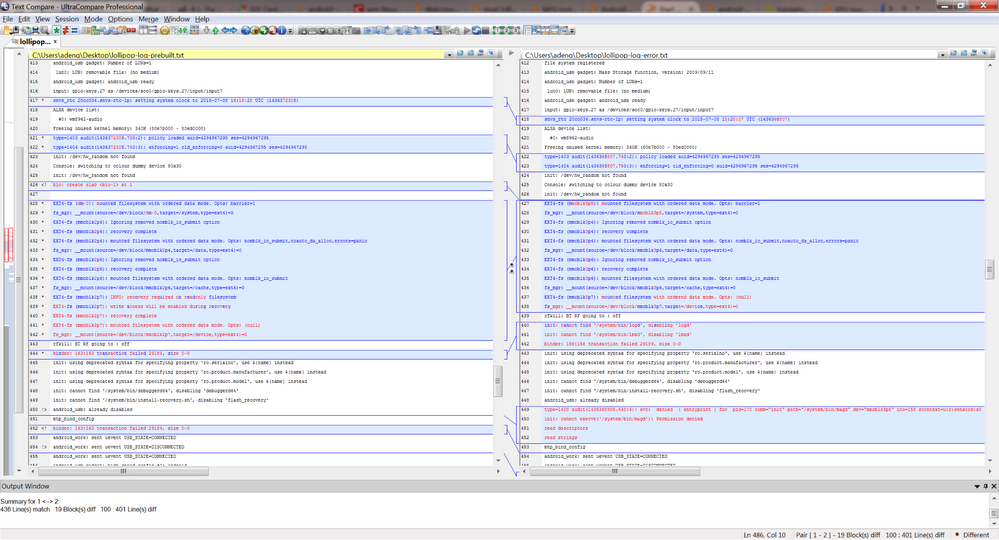
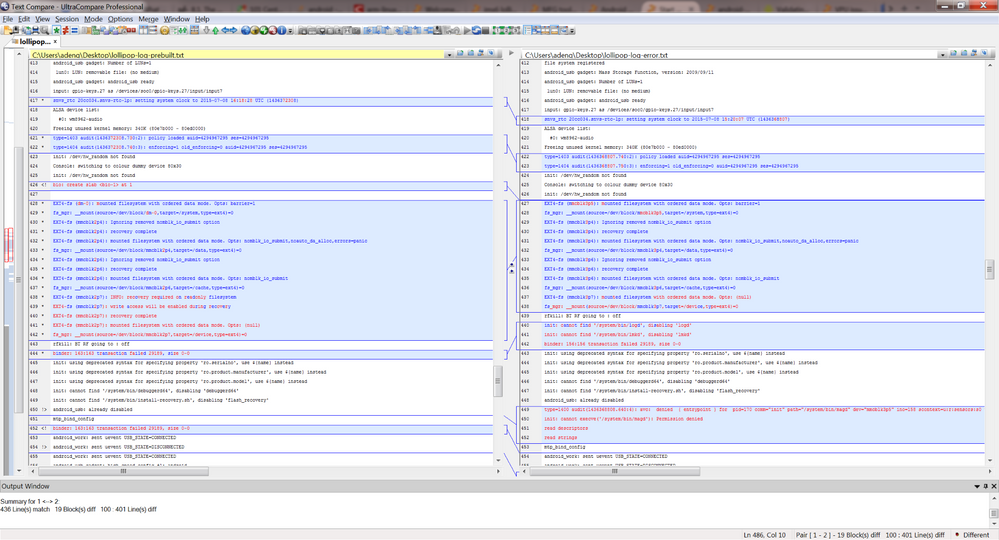
I have attached the log here.
the diff and the txt logs.
Any one to help me on this issue.
Thanks.
Alan
Original Attachment has been moved to: lollipop-log-prebuilt.txt.zip
Original Attachment has been moved to: lollipop-log-error.txt.zip

 SergioSolis
- 新着としてマーク
- ブックマーク
- 購読
- ミュート
- RSS フィードを購読する
- ハイライト
- 印刷
- 不適切なコンテンツを報告
Have you tried flashing it using manufacturing tool instead?
- 新着としてマーク
- ブックマーク
- 購読
- ミュート
- RSS フィードを購読する
- ハイライト
- 印刷
- 不適切なコンテンツを報告
manufacturing tool to eMMC works.
manufacturing tool to SD card also not work.
devarajgs
- 新着としてマーク
- ブックマーク
- 購読
- ミュート
- RSS フィードを購読する
- ハイライト
- 印刷
- 不適切なコンテンツを報告
Hi,
The default images that you build works for the eMMC but to boot the image from the SD card, you need to follow the below instructions:
3.4.3 Building Android image for the SD card on the SABRE-SD
Board
The default configuration in the source code package takes internal eMMC as the boot storage. It can be changed to make the
SD card in SD Slot 3 as the boot storage as follows:
remove out/target/product/sabresd_6dq/root directory and boot*.img
remove /out/target/product/sabresd_6dq/recovery directory and recovery*.img
remove /out/target/product/sabresd_6dq/system directory and system*.img
$ make BUILD_TARGET_DEVICE=sd
Follow Section 3.4 to build the images.
For more information please refer to the Android_User_Guide.pdf from the documentation section.
Thanks and Regards,
-Devaraj
