- Forums
- Product Forums
- General Purpose MicrocontrollersGeneral Purpose Microcontrollers
- i.MX Forumsi.MX Forums
- QorIQ Processing PlatformsQorIQ Processing Platforms
- Identification and SecurityIdentification and Security
- Power ManagementPower Management
- Wireless ConnectivityWireless Connectivity
- RFID / NFCRFID / NFC
- Advanced AnalogAdvanced Analog
- Neural Processing UnitsNeural Processing Units
- MCX Microcontrollers
- S32G
- S32K
- S32V
- MPC5xxx
- Other NXP Products
- S12 / MagniV Microcontrollers
- Powertrain and Electrification Analog Drivers
- Sensors
- Vybrid Processors
- Digital Signal Controllers
- 8-bit Microcontrollers
- ColdFire/68K Microcontrollers and Processors
- PowerQUICC Processors
- OSBDM and TBDML
- S32M
- S32Z/E
-
- Solution Forums
- Software Forums
- MCUXpresso Software and ToolsMCUXpresso Software and Tools
- CodeWarriorCodeWarrior
- MQX Software SolutionsMQX Software Solutions
- Model-Based Design Toolbox (MBDT)Model-Based Design Toolbox (MBDT)
- FreeMASTER
- eIQ Machine Learning Software
- Embedded Software and Tools Clinic
- S32 SDK
- S32 Design Studio
- GUI Guider
- Zephyr Project
- Voice Technology
- Application Software Packs
- Secure Provisioning SDK (SPSDK)
- Processor Expert Software
- Generative AI & LLMs
-
- Topics
- Mobile Robotics - Drones and RoversMobile Robotics - Drones and Rovers
- NXP Training ContentNXP Training Content
- University ProgramsUniversity Programs
- Rapid IoT
- NXP Designs
- SafeAssure-Community
- OSS Security & Maintenance
- Using Our Community
-
- Cloud Lab Forums
-
- Knowledge Bases
- ARM Microcontrollers
- i.MX Processors
- Identification and Security
- Model-Based Design Toolbox (MBDT)
- QorIQ Processing Platforms
- S32 Automotive Processing Platform
- Wireless Connectivity
- CodeWarrior
- MCUXpresso Suite of Software and Tools
- MQX Software Solutions
- RFID / NFC
- Advanced Analog
- Neural Processing Units
-
- NXP Tech Blogs
- Home
- :
- Translated Content
- :
- Multi Source Translation Content
- :
- 1966486_en-US
1966486_en-US
- Subscribe to RSS Feed
- Mark as New
- Mark as Read
- Bookmark
- Subscribe
- Printer Friendly Page
- Report Inappropriate Content
1966486_en-US
1966486_en-US
GOAL
Learn how to import CMSIS packs into existing projects. In this particular project, CMSIS packs from EmSA will be used alongside the lpcxpresso55s16_mcan_interrupt_transfer example obtained from the LPCXpresso55s16 SDK.
ENVIRONMENT
This guide requires MCUXpresso IDE v11.9.1 or latest.
PROCEDURE
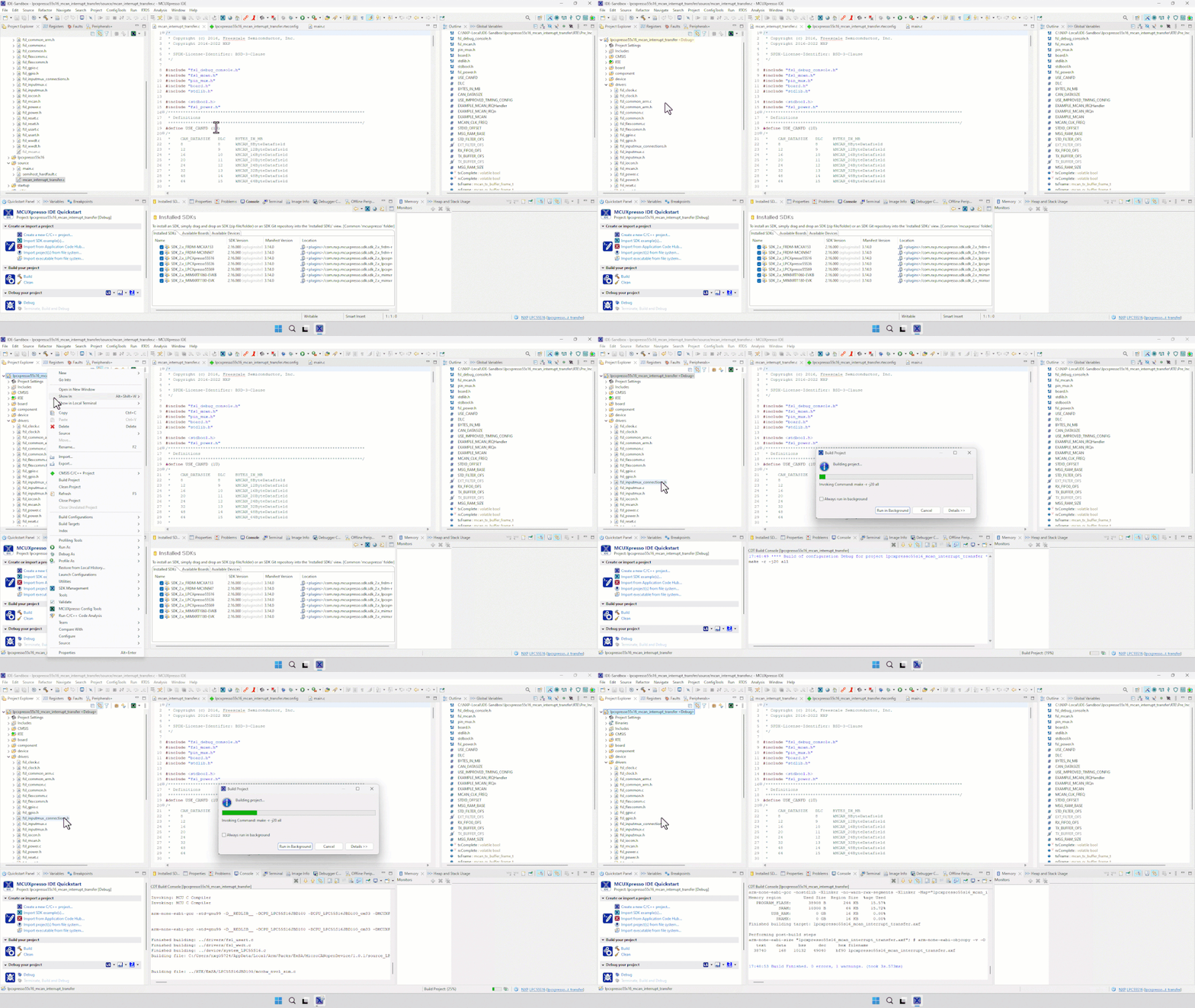
1. Import the lpcxpresso55s16_mcan_interrupt_transfer example into the workspace. In this example, SDK drivers, startup and board interface files are readily available. CAN pins are already routed and enabled.

2. Launch Config Tools to configure the clock for the CAN peripheral

3. Configure the clock for the CAN peripheral.
I. Set up the main clock so that it is generated from crystal or oscillator, and it is evenly dividable by 40 MHz.

II. Change the PLL configuration an even multiple of 40 MHz

III. Set the CAN divider to get a 40 MHz clock.

4. Update the code.

5. Add Open-CMSIS Packs to the project.

6. Project set-up
I. Add the watchdog driver.
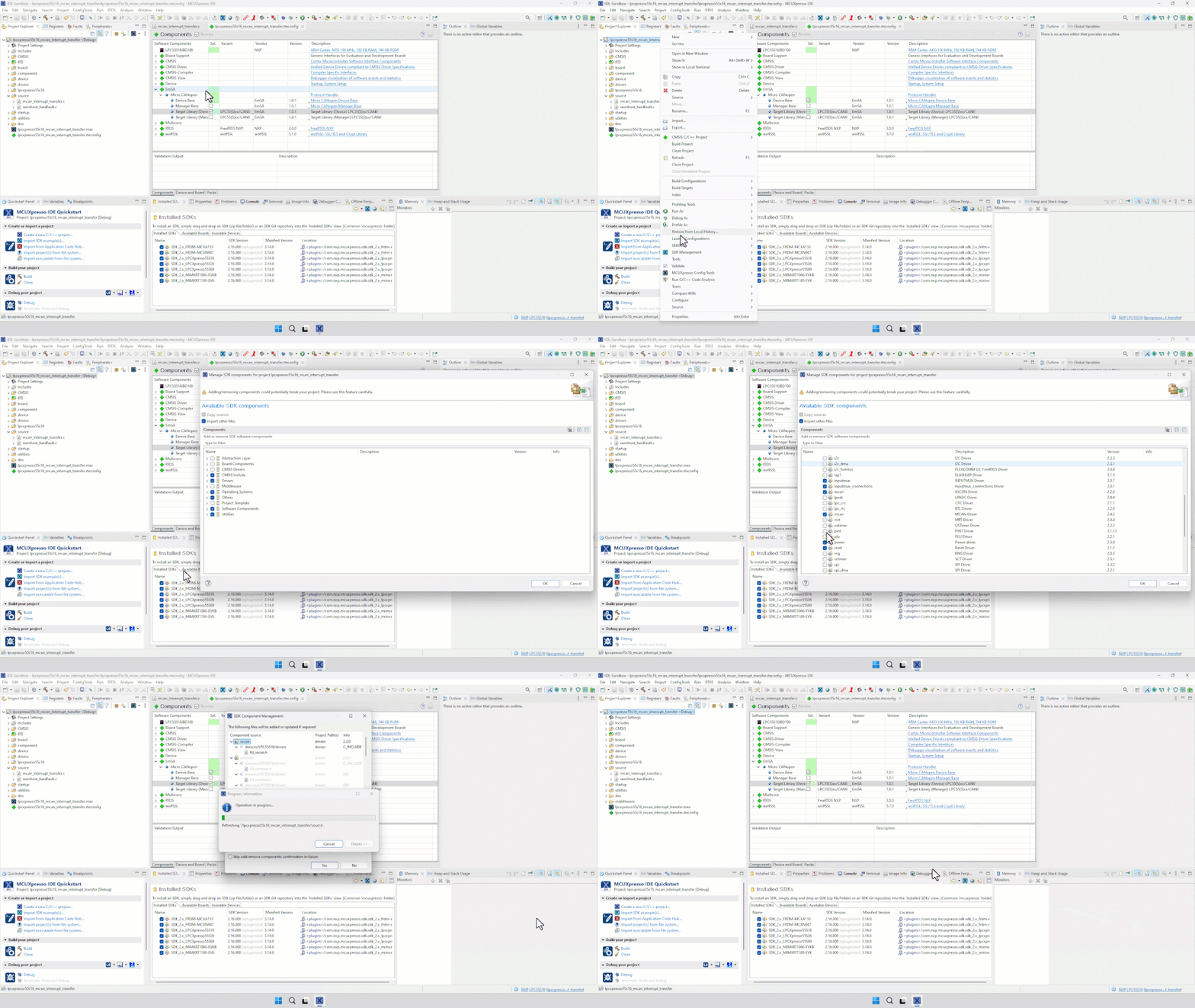
II. Exclude the fsl_mcan.c module from the build. A dedicated version is included in the EmSA packs.
III. Add the main.c module from CMSIS template

IV. Exclude or remove the original main source code mcan_interrupt_transfer.c file.

7. Save and build the project.