
- Forums
- Product Forums
- General Purpose MicrocontrollersGeneral Purpose Microcontrollers
- i.MX Forumsi.MX Forums
- QorIQ Processing PlatformsQorIQ Processing Platforms
- Identification and SecurityIdentification and Security
- Power ManagementPower Management
- Wireless ConnectivityWireless Connectivity
- RFID / NFCRFID / NFC
- Advanced AnalogAdvanced Analog
- Neural Processing UnitsNeural Processing Units
- MCX Microcontrollers
- S32G
- S32K
- S32V
- MPC5xxx
- Other NXP Products
- S12 / MagniV Microcontrollers
- Powertrain and Electrification Analog Drivers
- Sensors
- Vybrid Processors
- Digital Signal Controllers
- 8-bit Microcontrollers
- ColdFire/68K Microcontrollers and Processors
- PowerQUICC Processors
- OSBDM and TBDML
- S32M
- S32Z/E
-
- Solution Forums
- Software Forums
- MCUXpresso Software and ToolsMCUXpresso Software and Tools
- CodeWarriorCodeWarrior
- MQX Software SolutionsMQX Software Solutions
- Model-Based Design Toolbox (MBDT)Model-Based Design Toolbox (MBDT)
- FreeMASTER
- eIQ Machine Learning Software
- Embedded Software and Tools Clinic
- S32 SDK
- S32 Design Studio
- GUI Guider
- Zephyr Project
- Voice Technology
- Application Software Packs
- Secure Provisioning SDK (SPSDK)
- Processor Expert Software
- Generative AI & LLMs
-
- Topics
- Mobile Robotics - Drones and RoversMobile Robotics - Drones and Rovers
- NXP Training ContentNXP Training Content
- University ProgramsUniversity Programs
- Rapid IoT
- NXP Designs
- SafeAssure-Community
- OSS Security & Maintenance
- Using Our Community
-
- Cloud Lab Forums
-
- Knowledge Bases
- ARM Microcontrollers
- i.MX Processors
- Identification and Security
- Model-Based Design Toolbox (MBDT)
- QorIQ Processing Platforms
- S32 Automotive Processing Platform
- Wireless Connectivity
- CodeWarrior
- MCUXpresso Suite of Software and Tools
- MQX Software Solutions
- RFID / NFC
- Advanced Analog
- Neural Processing Units
-
- NXP Tech Blogs
- Home
- :
- QorIQ Processing Platforms
- :
- Layerscape
- :
- Re: [PPC] Ubuntu 15.04 testing
[PPC] Ubuntu 15.04 testing
- Subscribe to RSS Feed
- Mark Topic as New
- Mark Topic as Read
- Float this Topic for Current User
- Bookmark
- Subscribe
- Mute
- Printer Friendly Page
[PPC] Ubuntu 15.04 testing

- Mark as New
- Bookmark
- Subscribe
- Mute
- Subscribe to RSS Feed
- Permalink
- Report Inappropriate Content
Hi All,
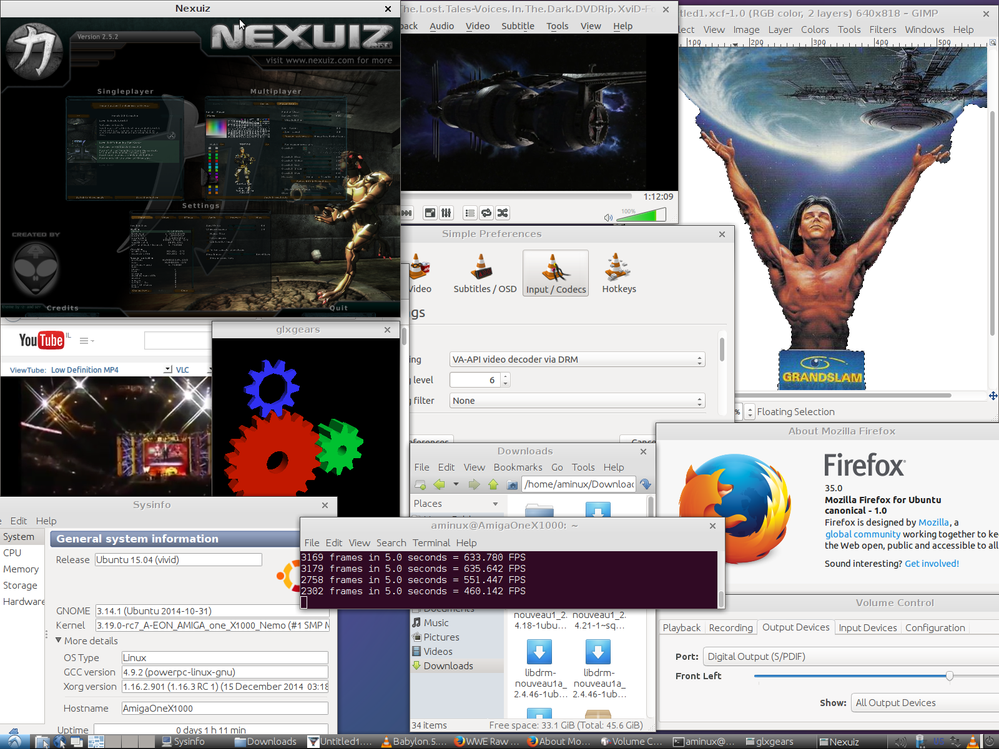
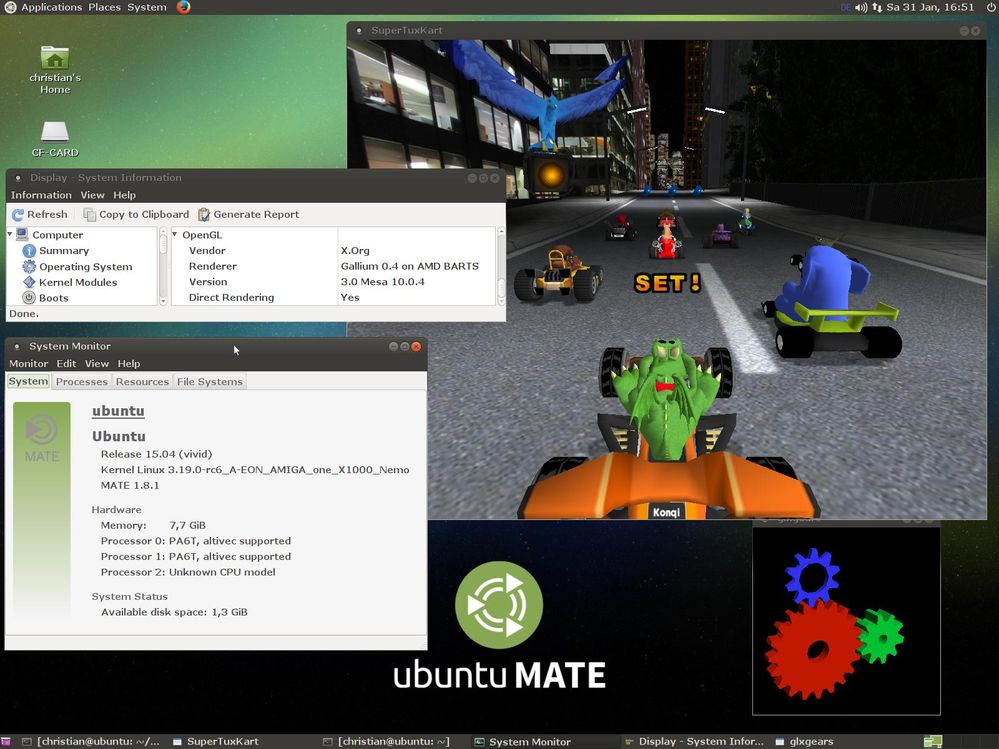
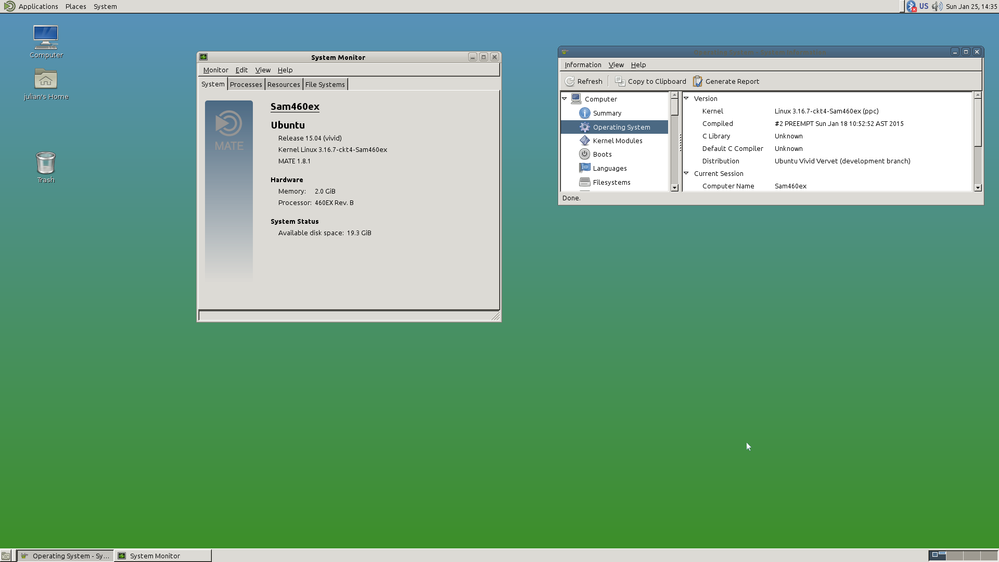
We're testing the development version of Ubuntu 15.04 on our AMIGA PowerPC computers. Here are some screenshots:
Lubuntu 15.04 PowerPC (AMIGA one X1000):
ubuntu MATE 15.04 PowerPC (AMIGA one X1000):
Lubuntu 15.04 PowerPC with MATE desktop (Sam460ex):
Threads:
http://forum.hyperion-entertainment.biz/viewtopic.php?f=35&t=2847
Hyperion Entertainment Message Boards • View topic - (X)(L)ubuntu (MATE) 15.04
Please test Ubuntu 15.04 on your Freescale PowerPC computer.
Thanks in advance.
Cheers,
Christian
- Mark as New
- Bookmark
- Subscribe
- Mute
- Subscribe to RSS Feed
- Permalink
- Report Inappropriate Content
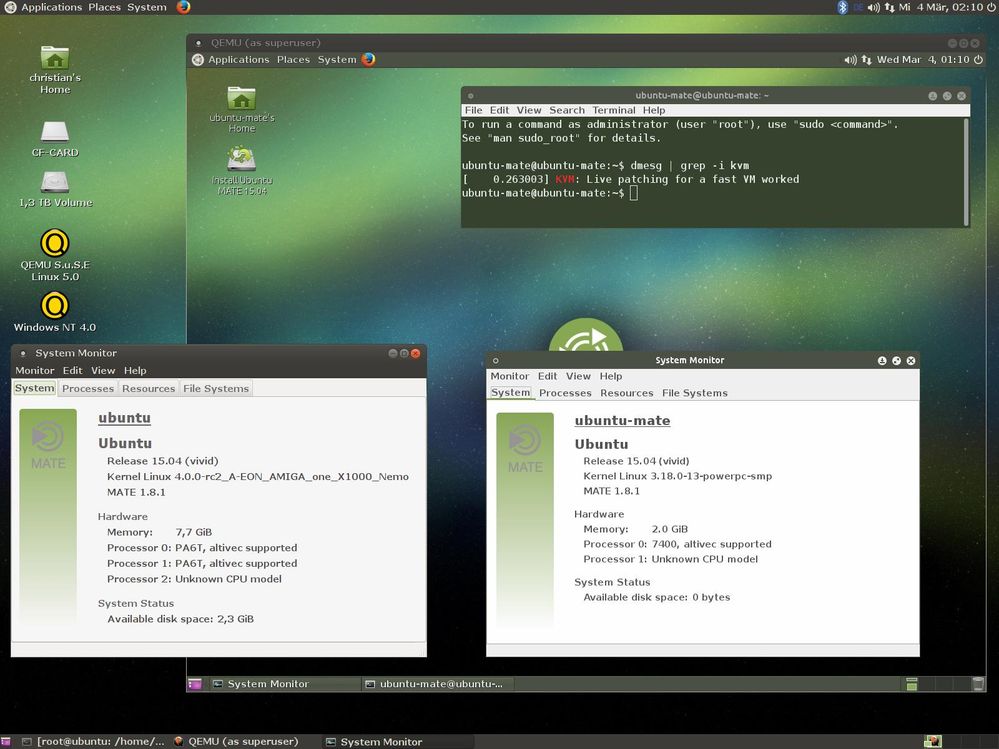
We need your help. PLEASE test Lubuntu or ubuntu MATE 15.04 on your PowerPC computer.
Link: http://ubuntuforums.org/showthread.php?t=2264322

- Mark as New
- Bookmark
- Subscribe
- Mute
- Subscribe to RSS Feed
- Permalink
- Report Inappropriate Content
Hi,
which machine do you want to be tested on?
We have T4240QDS. Is it supported in Ubuntu?
regards,
Matevz Langus
- Mark as New
- Bookmark
- Subscribe
- Mute
- Subscribe to RSS Feed
- Permalink
- Report Inappropriate Content
Hi Matevz,
Thank you for your answer. :-) I don't know if it is supported but it would be really nice to try it out. Could you test ubuntu MATE 15.04 on your T4240QDS, please?
You have to download the initrd.gz and you have to convert it to a uinitrd:
Download:
Convert:
mkimage -T ramdisk -C gzip -n 'ubuntu MATE 15.04' -d initrd.gz uinitrd
=> setenv bootargs "console=ttyS0,115200 root=/dev/ram rw"
=> fatload usb 0:1 1000000 your_uImage
=> fatload usb 0:1 5000000 uinitrd
=> fatload usb 0:1 2000000 your.dtb
=> bootm 1000000 5000000 2000000
There is a small problem with the Ubuntu initrd.gz. The installation process tries to access the directory within the ramdisk where the kernel modules should be stored for your own custom kernel. However, there is no need for the kernel modules themselves. Hence, it is enough, when installation fails due to an harddisk recognition error, to enter the installation shell and create a directory '/lib/modules/<name_and_version_of_the_linux_kernel>'. Afterwards, the installation process works fine.
Cheers,
Christian
