
- Forums
- Product Forums
- General Purpose MicrocontrollersGeneral Purpose Microcontrollers
- i.MX Forumsi.MX Forums
- QorIQ Processing PlatformsQorIQ Processing Platforms
- Identification and SecurityIdentification and Security
- Power ManagementPower Management
- Wireless ConnectivityWireless Connectivity
- RFID / NFCRFID / NFC
- Advanced AnalogAdvanced Analog
- Neural Processing UnitsNeural Processing Units
- MCX Microcontrollers
- S32G
- S32K
- S32V
- MPC5xxx
- Other NXP Products
- S12 / MagniV Microcontrollers
- Powertrain and Electrification Analog Drivers
- Sensors
- Vybrid Processors
- Digital Signal Controllers
- 8-bit Microcontrollers
- ColdFire/68K Microcontrollers and Processors
- PowerQUICC Processors
- OSBDM and TBDML
- S32M
- S32Z/E
-
- Solution Forums
- Software Forums
- MCUXpresso Software and ToolsMCUXpresso Software and Tools
- CodeWarriorCodeWarrior
- MQX Software SolutionsMQX Software Solutions
- Model-Based Design Toolbox (MBDT)Model-Based Design Toolbox (MBDT)
- FreeMASTER
- eIQ Machine Learning Software
- Embedded Software and Tools Clinic
- S32 SDK
- S32 Design Studio
- GUI Guider
- Zephyr Project
- Voice Technology
- Application Software Packs
- Secure Provisioning SDK (SPSDK)
- Processor Expert Software
- Generative AI & LLMs
-
- Topics
- Mobile Robotics - Drones and RoversMobile Robotics - Drones and Rovers
- NXP Training ContentNXP Training Content
- University ProgramsUniversity Programs
- Rapid IoT
- NXP Designs
- SafeAssure-Community
- OSS Security & Maintenance
- Using Our Community
-
- Cloud Lab Forums
-
- Knowledge Bases
- ARM Microcontrollers
- i.MX Processors
- Identification and Security
- Model-Based Design Toolbox (MBDT)
- QorIQ Processing Platforms
- S32 Automotive Processing Platform
- Wireless Connectivity
- CodeWarrior
- MCUXpresso Suite of Software and Tools
- MQX Software Solutions
- RFID / NFC
- Advanced Analog
- Neural Processing Units
-
- NXP Tech Blogs
- Home
- :
- MCUXpresso软件和工具
- :
- Kinetis软件开发套件知识库
- :
- FRDM-KL43Z and KL33Z - standalone package
FRDM-KL43Z and KL33Z - standalone package
FRDM-KL43Z and KL33Z - standalone package
FRDM-KL43Z and KL33Z - standalone package
For installation standalone KSDK packages please follow these instructions:
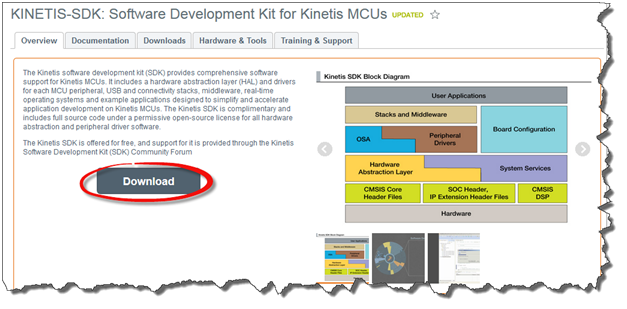
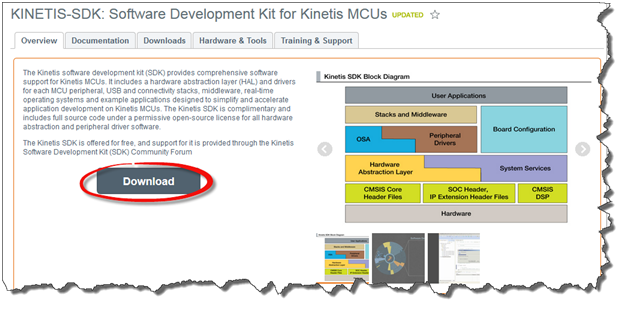
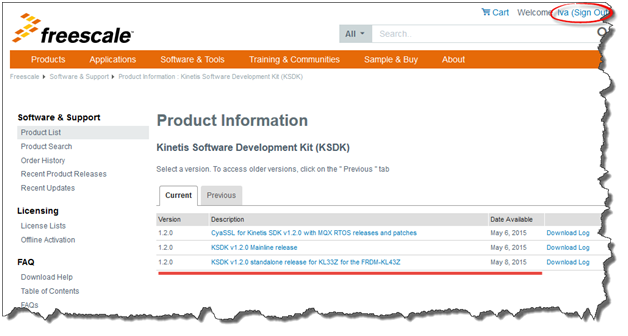
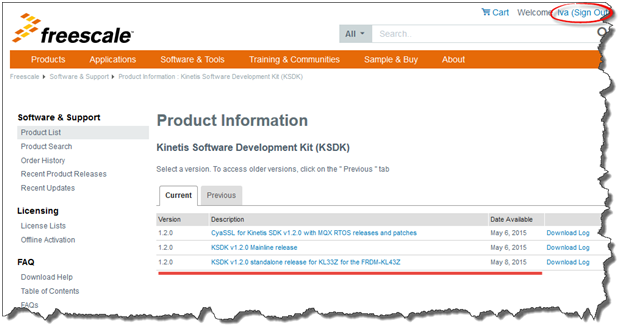
Go to www.freescale.com/ksdk and click to download
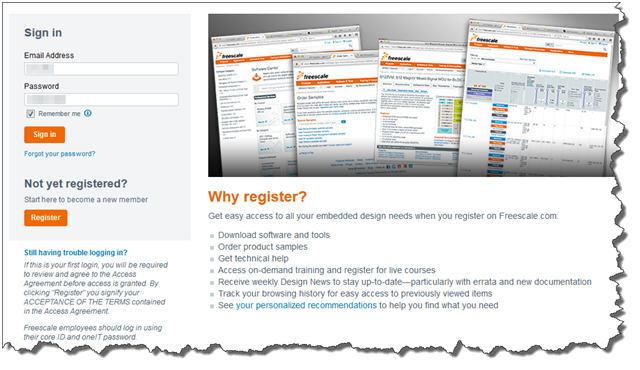
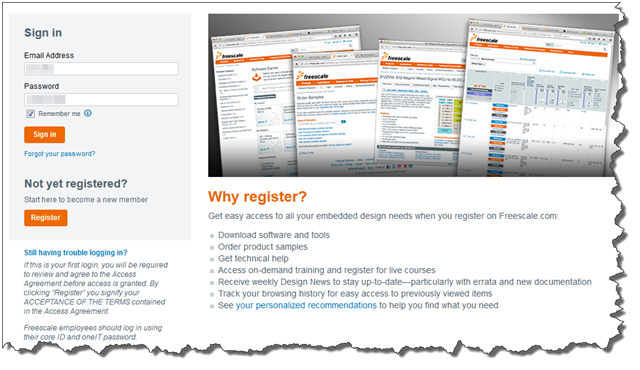
Is needed to be signed in
After that is seen standalone package for FRDM-KL43Z and KL33Z
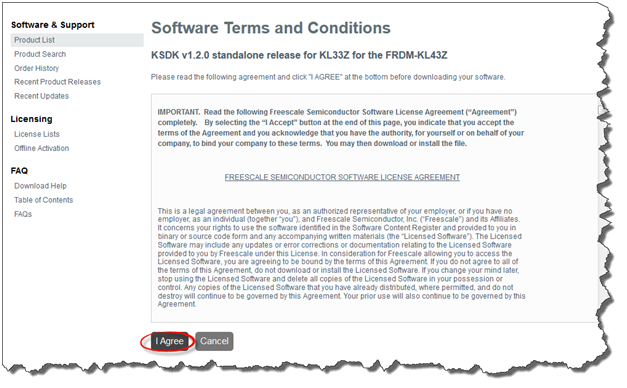
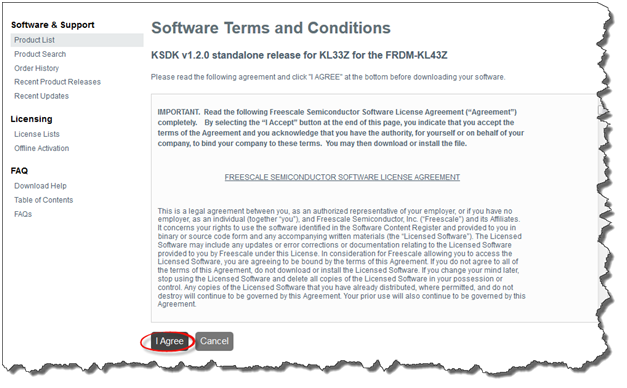
Agree with Software Terms and Conditions
Choose installation package according to platform
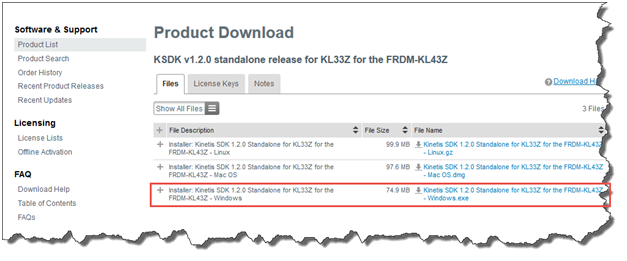
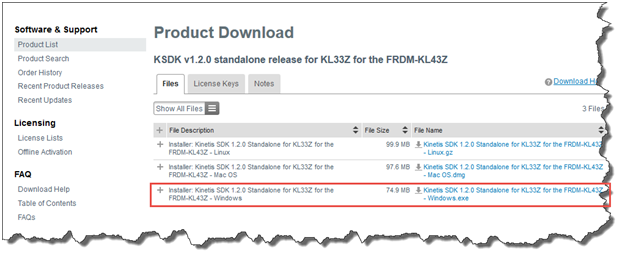
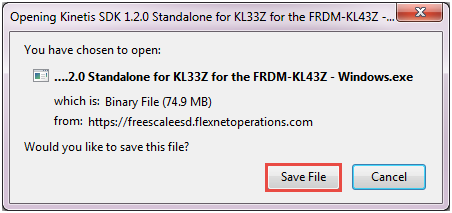
Save file and install it

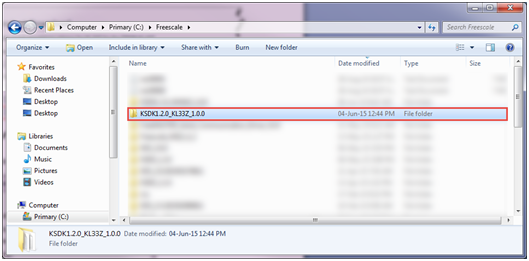
After installation, final folder appears at C:\Freescale\KSDK1.2.0_KL33Z_1.0.0
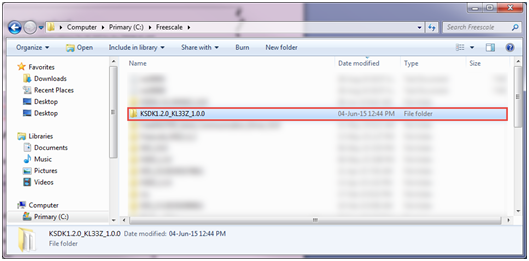
and Eclipse update - import package to KDS from C:\Freescale\KSDK1.2.0_KL33Z_1.0.0\tools\eclipse_update
Eclipse Update
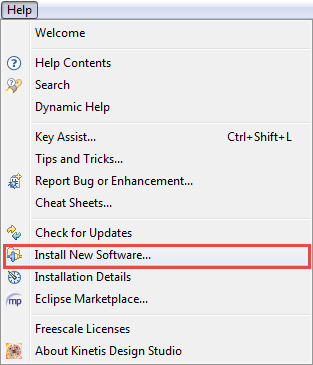
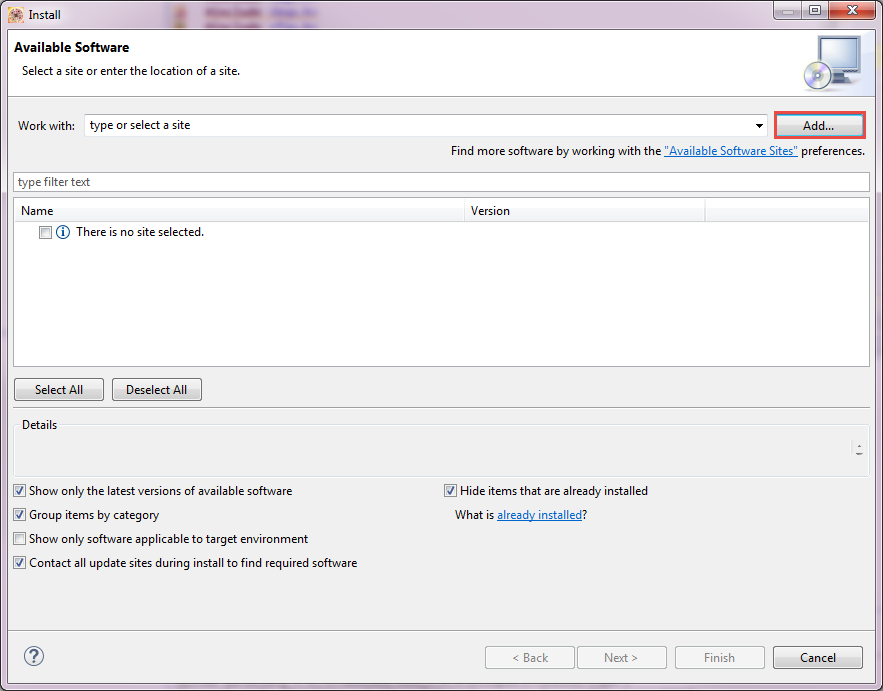
In KDS choose Install New Software
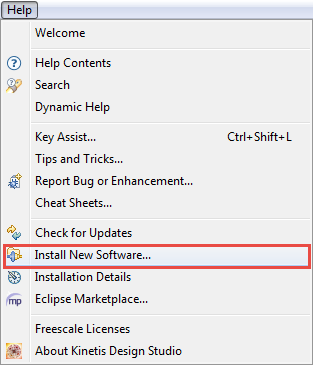
Click Add
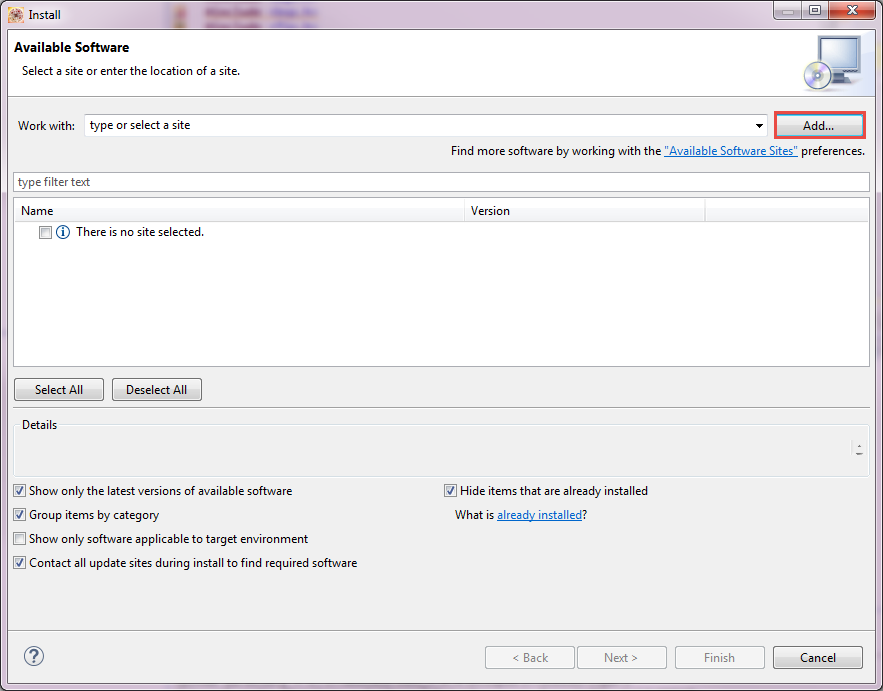
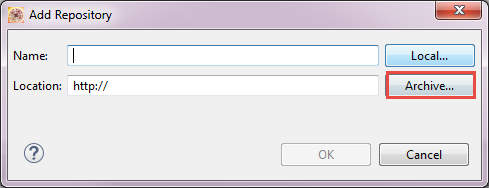
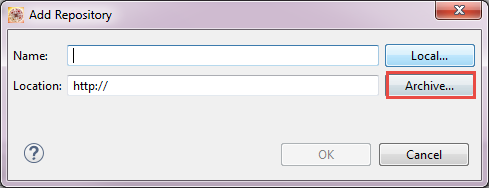
Choose Archive
Choose the Eclipse Update zip file located at C:\Freescale\KSDK1.2.0_KL33Z_1.0.0\tools\eclipse_update
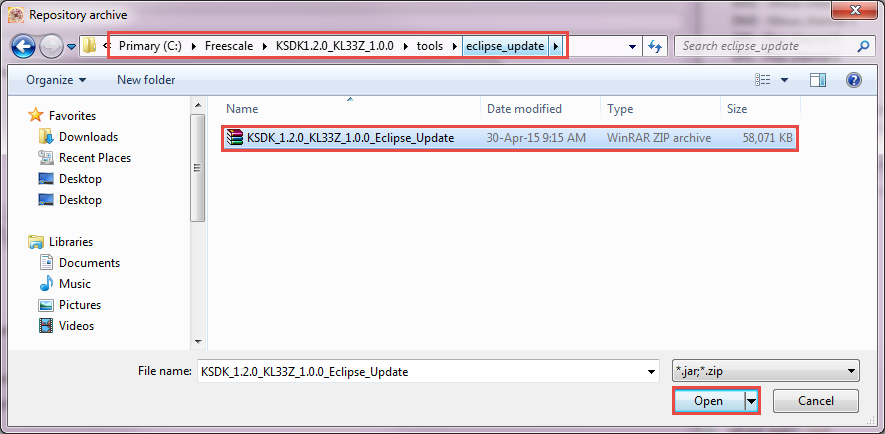
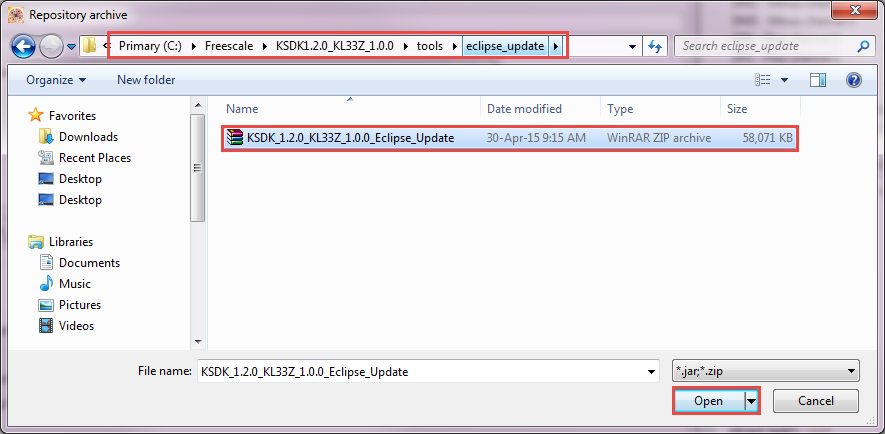
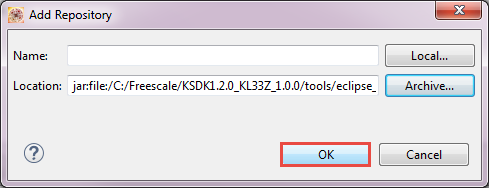
Select update for KL33Z and KL43Z
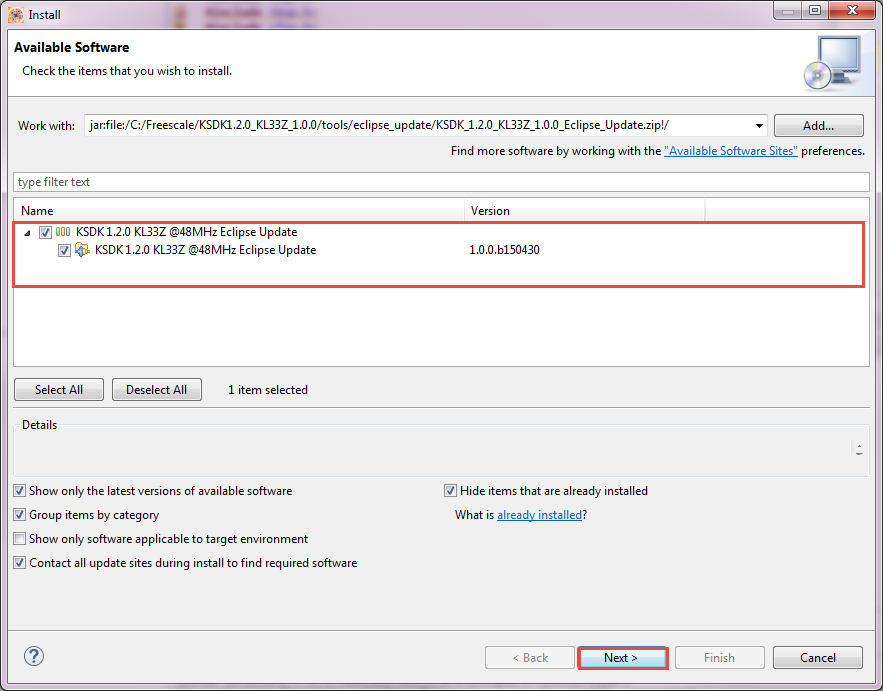
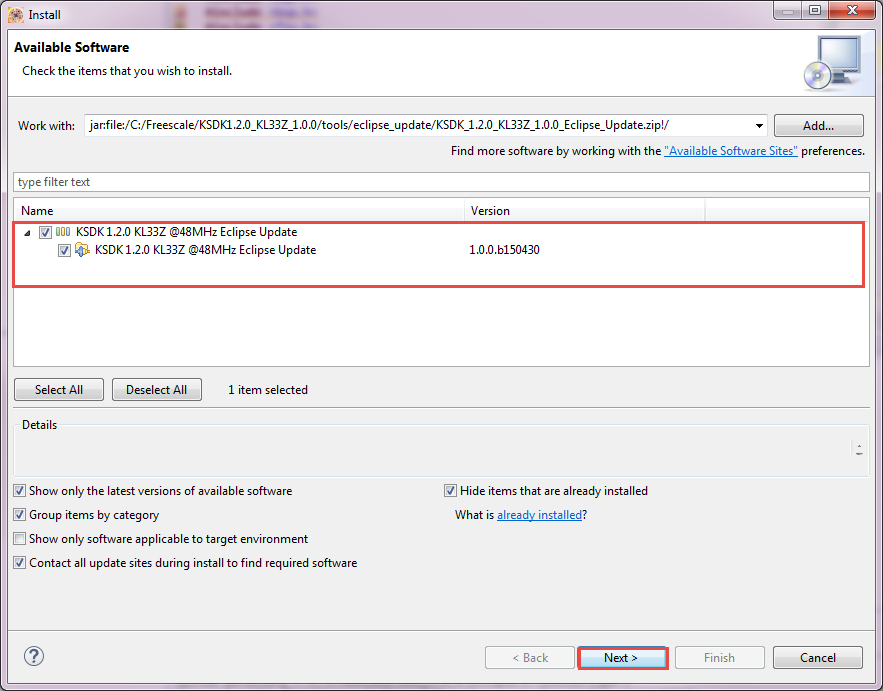
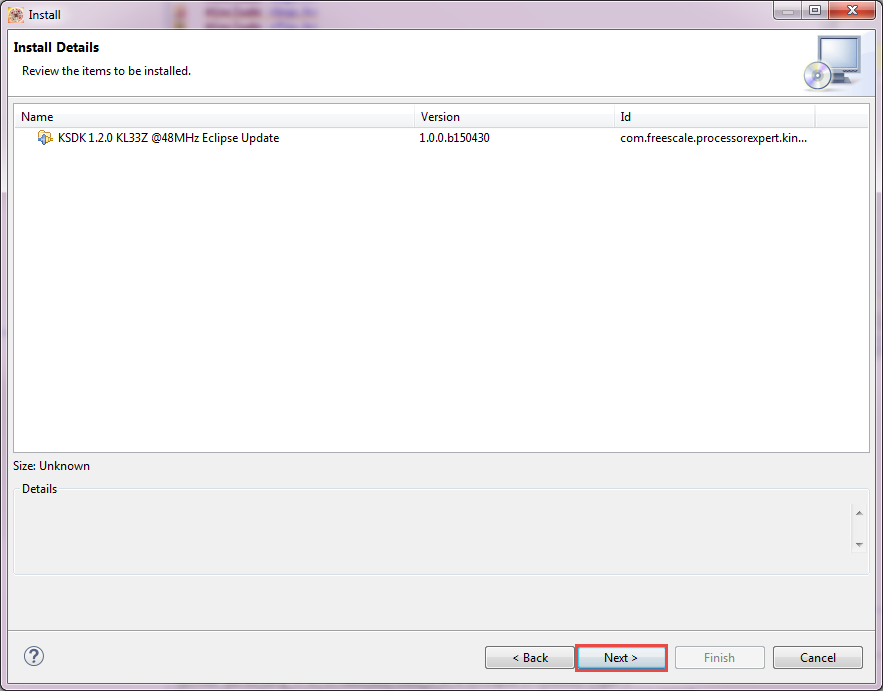
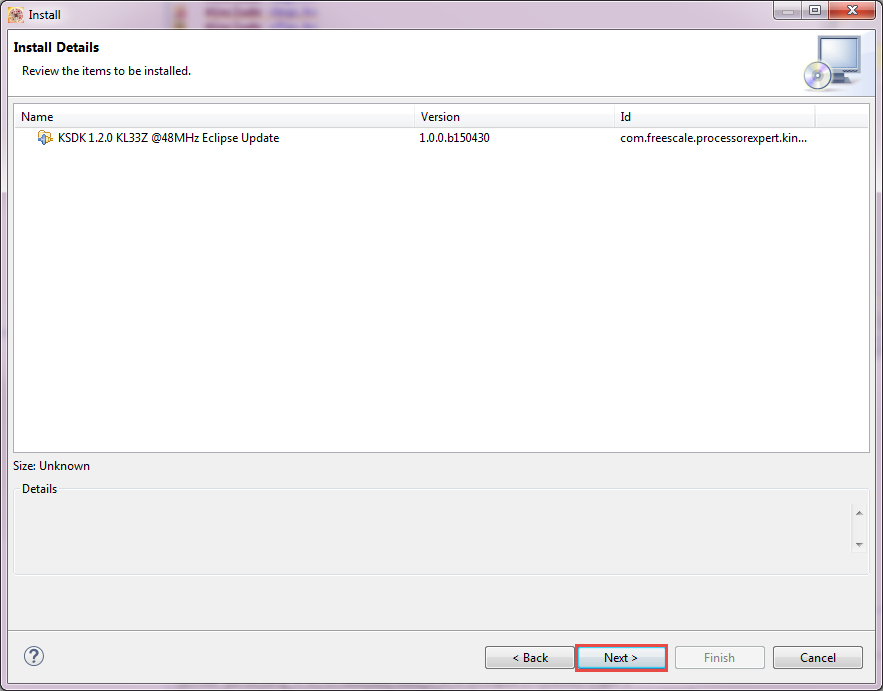
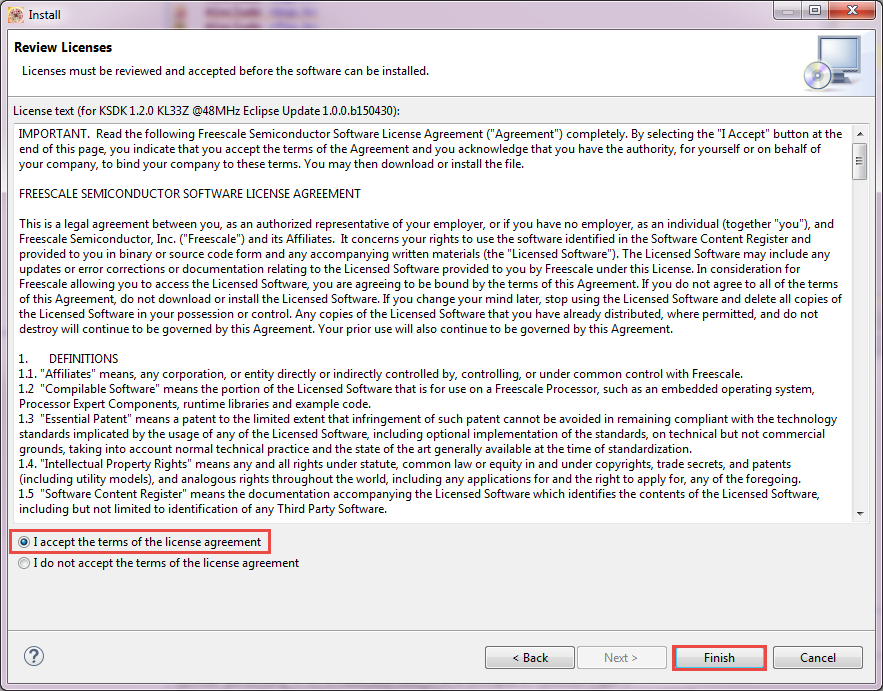
Accept terms of the license agreement

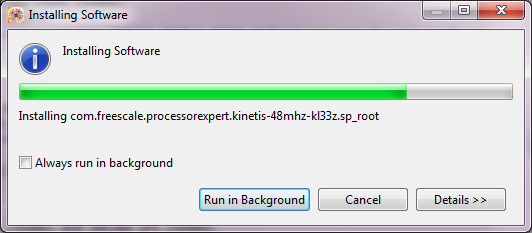

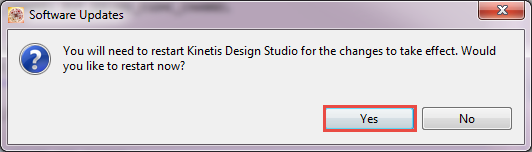
:-) Enjoy!
