
- Forums
- Product Forums
- General Purpose MicrocontrollersGeneral Purpose Microcontrollers
- i.MX Forumsi.MX Forums
- QorIQ Processing PlatformsQorIQ Processing Platforms
- Identification and SecurityIdentification and Security
- Power ManagementPower Management
- Wireless ConnectivityWireless Connectivity
- RFID / NFCRFID / NFC
- Advanced AnalogAdvanced Analog
- Neural Processing UnitsNeural Processing Units
- MCX Microcontrollers
- S32G
- S32K
- S32V
- MPC5xxx
- Other NXP Products
- S12 / MagniV Microcontrollers
- Powertrain and Electrification Analog Drivers
- Sensors
- Vybrid Processors
- Digital Signal Controllers
- 8-bit Microcontrollers
- ColdFire/68K Microcontrollers and Processors
- PowerQUICC Processors
- OSBDM and TBDML
- S32M
- S32Z/E
-
- Solution Forums
- Software Forums
- MCUXpresso Software and ToolsMCUXpresso Software and Tools
- CodeWarriorCodeWarrior
- MQX Software SolutionsMQX Software Solutions
- Model-Based Design Toolbox (MBDT)Model-Based Design Toolbox (MBDT)
- FreeMASTER
- eIQ Machine Learning Software
- Embedded Software and Tools Clinic
- S32 SDK
- S32 Design Studio
- GUI Guider
- Zephyr Project
- Voice Technology
- Application Software Packs
- Secure Provisioning SDK (SPSDK)
- Processor Expert Software
- Generative AI & LLMs
-
- Topics
- Mobile Robotics - Drones and RoversMobile Robotics - Drones and Rovers
- NXP Training ContentNXP Training Content
- University ProgramsUniversity Programs
- Rapid IoT
- NXP Designs
- SafeAssure-Community
- OSS Security & Maintenance
- Using Our Community
-
- Cloud Lab Forums
-
- Knowledge Bases
- ARM Microcontrollers
- i.MX Processors
- Identification and Security
- Model-Based Design Toolbox (MBDT)
- QorIQ Processing Platforms
- S32 Automotive Processing Platform
- Wireless Connectivity
- CodeWarrior
- MCUXpresso Suite of Software and Tools
- MQX Software Solutions
- RFID / NFC
- Advanced Analog
- Neural Processing Units
-
- NXP Tech Blogs
- Home
- :
- Wireless Connectivity
- :
- Wireless MCU
- :
- Toggling an external LED via BLE
Toggling an external LED via BLE
- Subscribe to RSS Feed
- Mark Topic as New
- Mark Topic as Read
- Float this Topic for Current User
- Bookmark
- Subscribe
- Mute
- Printer Friendly Page
Toggling an external LED via BLE

- Mark as New
- Bookmark
- Subscribe
- Mute
- Subscribe to RSS Feed
- Permalink
- Report Inappropriate Content
Hey folks,
Trying to get a starting point for a bluetooth project. I want to build a project toggling on/off an external LED connected to my R41Z (based of KW41Z board) using an Android phone app.
- R41Z board
- External LED wired to PTB18 GPIO
- SDK v2.2 (4-16-18) with bluetooth v.1.2.5 stack
- Android phone app built using Android Studios 3.1.3
My questions are:
- Should I use the beacon bluetooth project as a base? If not, what would you suggest to start with?
- If using the beacon project, which files should I be looking at modifying for the LED functionality, signal advertising, receiving the message from the phone app, etc.?
- When it comes to the phone app, are there certain IDs that are within the beacon project that have to be used on the code for the phone app? I see the file BLE_SIG_DEFINES_H has GATT declarations but I'm not too familiar yet how these play a role within the phone app.
Thanks.
- Mark as New
- Bookmark
- Subscribe
- Mute
- Subscribe to RSS Feed
- Permalink
- Report Inappropriate Content
Getting started with the following setup for the external LED. I have the beacon bluetooth stack loaded on the R41Z board.
gpio_pins.c
/* Declare Output GPIO pins */
gpioOutputPinConfig_t ledPins[] = {
{
.
.
.
{
.gpioPort = gpioPort_C_c,
.gpioPin = 18,
.outputLogic = 1,
.slewRate = pinSlewRate_Slow_c,
.driveStrength = pinDriveStrength_High_c
}
};
gpioOutputPinConfig_t appExternalLed = {
.gpioPort = gpioPort_B_c,
.gpioPin = 18,
.outputLogic = 1,
.slewRate = pinSlewRate_Slow_c,
.driveStrength = pinDriveStrength_Low_c
};
-------
gpio_pins.h
.
.
.
extern gpioInputPinConfig_t switchPins[];
extern gpioOutputPinConfig_t ledPins[];
extern gpioOutputPinConfig_t appExternalLed;
------
pin_mux.c
#include "gpio_pins.h"
/*FUNCTION**********************************************************************
*
* Function Name : APP_InitExternalLED
* Description : Configures gpio output for external LEDs
* Called in LED.c file to initialize
*
*END**************************************************************************/
void APP_InitExternalLED(void) {
GpioOutputPinInit(&appExternalLed, 1);
GpioClearPinOutput(&appExternalLed); // LED is off at start up
}
------
pin_mux.h
/*!
* @brief Configures pin routing and optionally pin electrical features.
*
*/
void APP_InitExternalLed(void);
-------
LED.c
/******************************************************************************
******************************************************************************
* Public functions
******************************************************************************
*****************************************************************************/
/******************************************************************************
* Name: LED_Init
* Description: Initialize the LED module
* Parameters: -
* Return: -
******************************************************************************/
void LED_Init
(
void
)
{
APP_InitExternalLED();
.
.
.
BOARD_InitLEDs();
(void)GpioOutputPinInit(ledPins, gLEDsOnTargetBoardCnt_c);
.
.
I think that sets up my LED connection and initialization at PTB18. I'm trying to understand how I can detect the advertisement from the board on a custom BLE mobile app. The only way I can see the device from my mobile phone is using the IoT Toolbox app NXP and booting up the Beacon program within. What would I need to modify in the beacon software stack to see the BLE advertisement on a custom BLE mobile app?
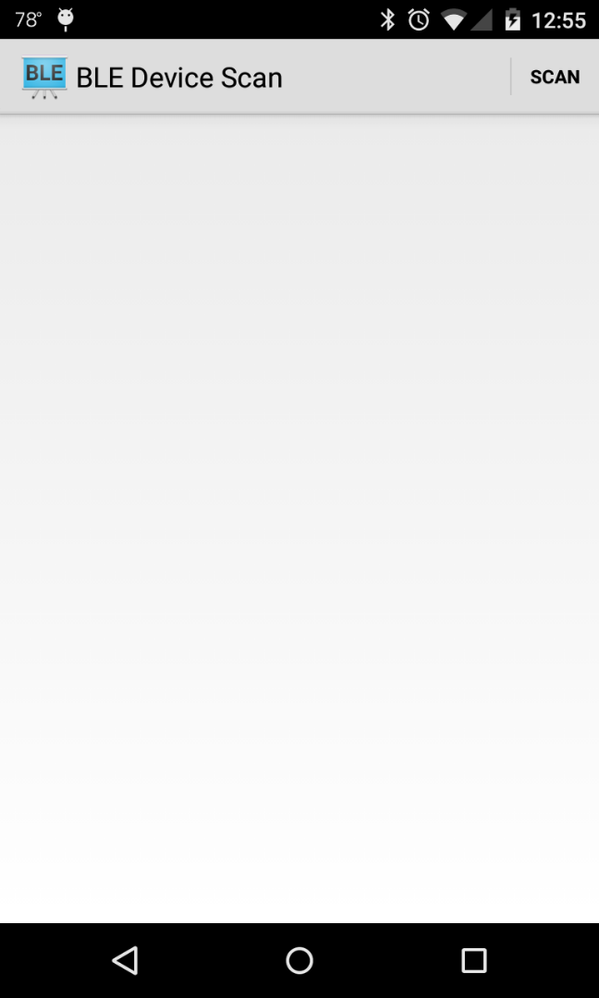
I have a template BLE app "BluetoothLeGatt" provided from Android Studios which just does a scan of nearby devices and currently nothing shows up.
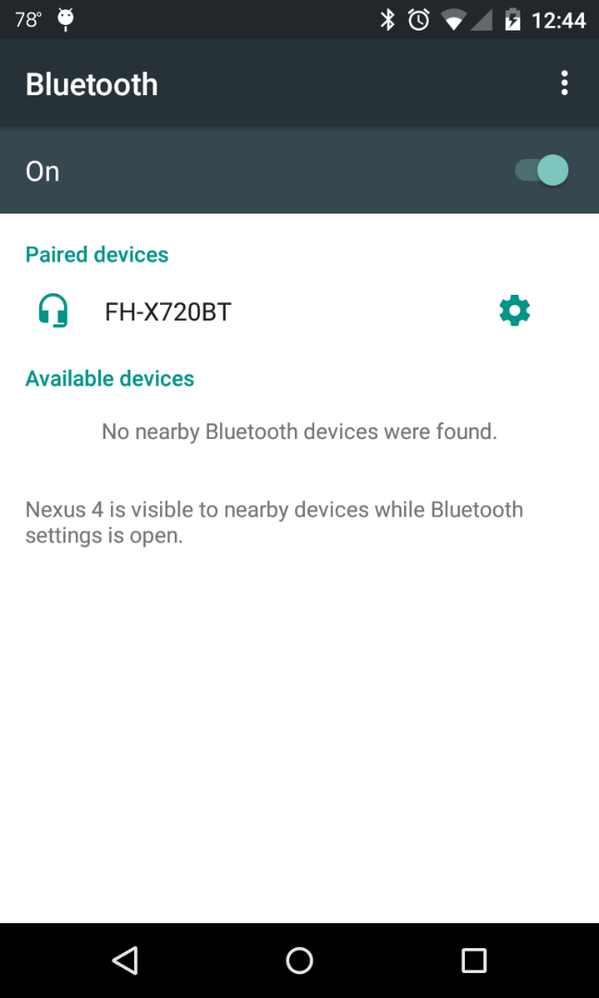
I also have a LEDController Sample App but it first needs to pair to the R41Z device before I can use the on/off functionality.
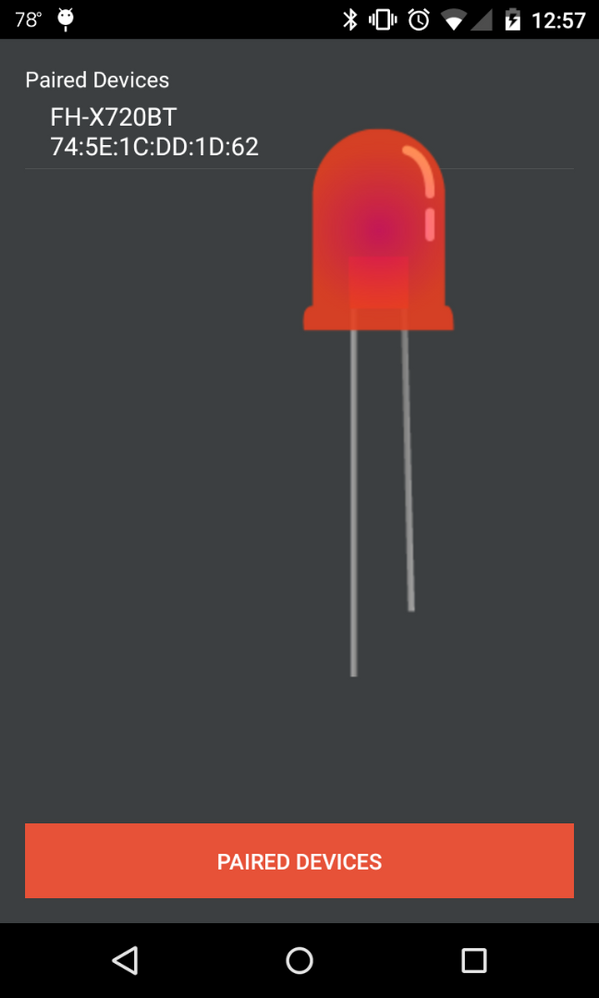
After I am able to pair the devices the next step would be to read the message of a "HIGH" or "LOW" signal sent from the mobile app.
The functions in the LEDControllerSample app sending these commands are defined as following:
private void turnOffLed()
{
    if (btSocket!=null)
    {
        try
        {
            btSocket.getOutputStream().write("0".toString().getBytes());
        }
        catch (IOException e)
        {
            msg("Error");
        }
    }
}

private void turnOnLed()
{
    if (btSocket!=null)
    {
        try
        {
            btSocket.getOutputStream().write("1".toString().getBytes());
        }
        catch (IOException e)
        {
            msg("Error");
        }
    }
}
Also, in the source code of the mobile app there is this line:
static final UUID myUUID = UUID.fromString("00001101-0000-1000-8000-00805F9B34FB");
Does this UUID need to be changed to the matching R41Z board?

 mario_castaneda
- Mark as New
- Bookmark
- Subscribe
- Mute
- Subscribe to RSS Feed
- Permalink
- Report Inappropriate Content
Hi Johan,
- Should I use the beacon Bluetooth project as a base? If not, what would you suggest to start with?
It will depend on your application, as you know the beacon is sending advertisements packets and the central device, in this case, the Phone will only scan that packets without a connection.
- If using the beacon project, which files should I be looking at modifying for the LED functionality, signal advertising, receiving the message from the phone app, etc.?
Yes, you can create your own custom advertisement packet
- When it comes to the phone app, are there certain IDs that are within the beacon project that has to be used on the code for the phone app? I see the file BLE_SIG_DEFINES_H has GATT declarations but I'm not too familiar yet how these play a role within the phone app.
The same, it will depend on your custom advertisement, what do you want to send and the way that you will process that information in your app.
- Does this UUID need to be changed to the matching R41Z board?
it will depend on your phone app, if the application is scanning just that particular UUID, the R41Z should be the same.
Regards,
Mario
